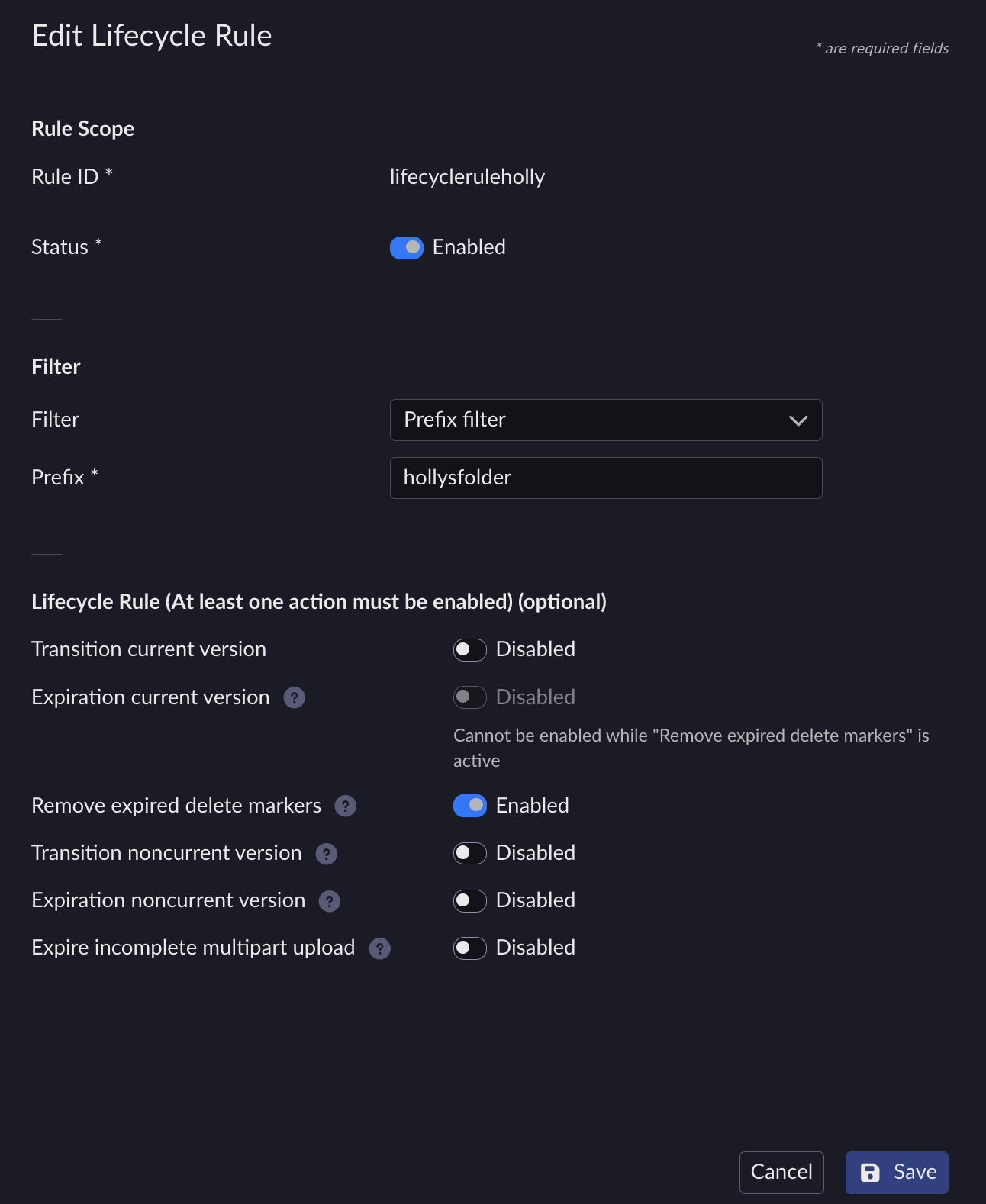
Update Lifecycle Expiration Workflow
Updating a lifecycle rule only affects new objects and future evaluations. Objects that have already been processed under the previous rule configuration are not re-evaluated.
From the main menu, choose Data Management. Click Data Browser from the side menu and select an account from the top drop-down list in the breadcrumb.

Select the bucket you want to view by clicking anywhere on the row but the bucket name.
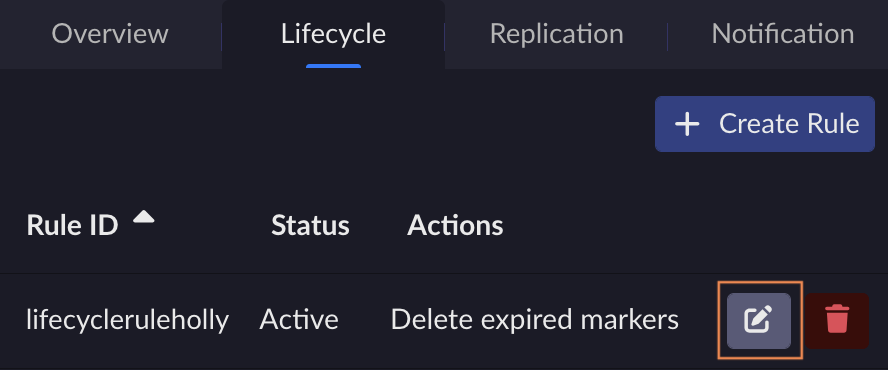
In the Lifecycle tab, click the Edit button on the row of the rule you want to update.
The Edit Lifecycle Rule page opens.
Edit the fields as needed. Click Save to commit changes.