

Configure Bucket Cross-Origin Resource Sharing (CORS)
Cross-Origin Resource Sharing (CORS) defines rules that allow client web applications loaded in one domain to interact with resources in a different domain. ARTESCA supports S3-compatible CORS configuration on buckets.
Prerequisites
A bucket exists (refer to Create a Bucket).
A user with the StorageManager role is available (refer to Create a Local User).
Tip
For more information on S3 CORS, refer to Using cross-origin resource sharing (CORS).
Procedure
From the main menu, choose Data Management. Click Data Browser from the side menu and select an account from the top drop-down list in the breadcrumb.

Select the bucket you want to view by clicking anywhere on the row but the bucket name.
In the bucket Overview tab, locate the Permissions section. The CORS field indicates whether CORS rules are configured (Yes or No).
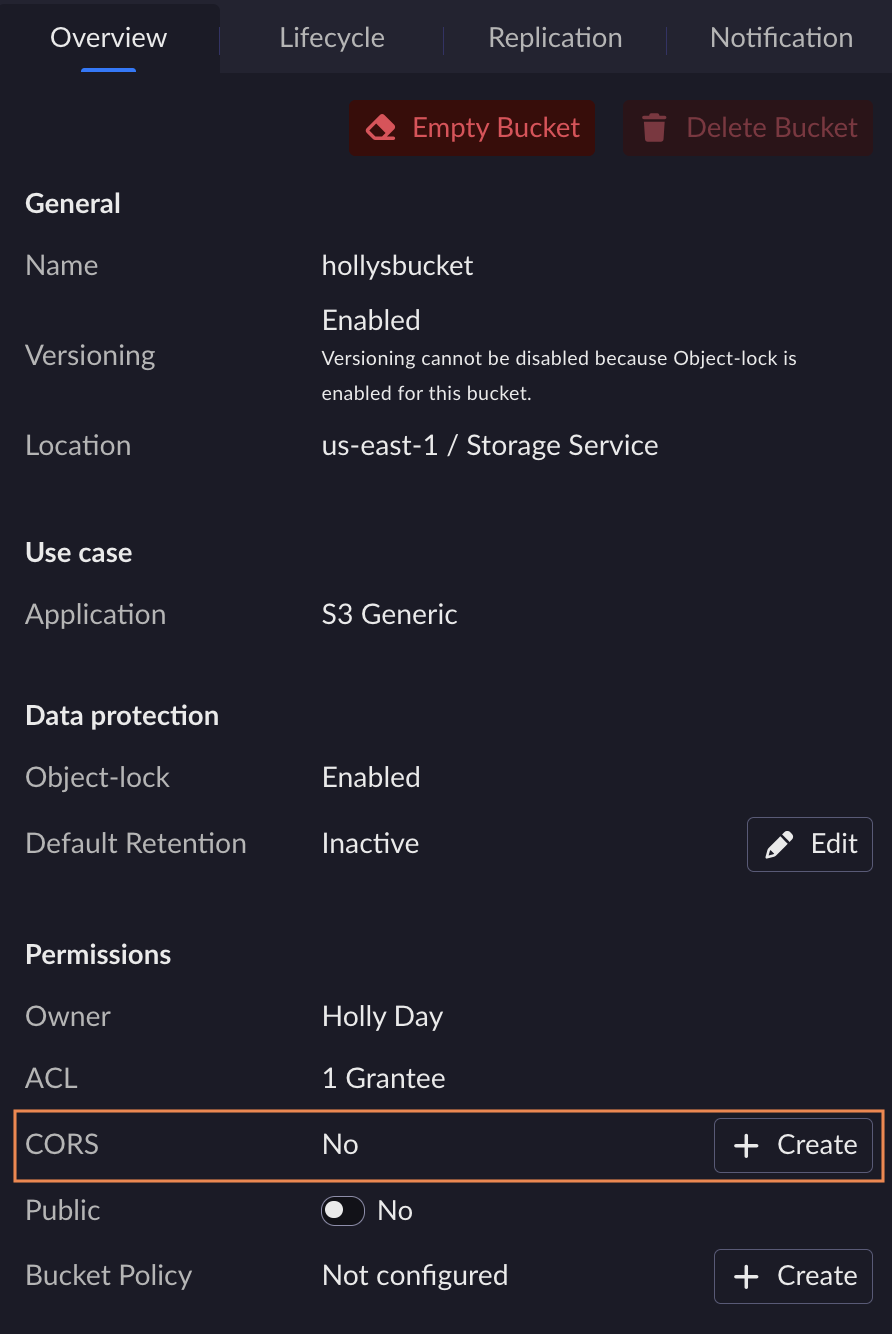
Click the Create or Edit button next to the CORS field.
The Create Bucket CORS or Edit Bucket CORS page opens with a JSON editor.
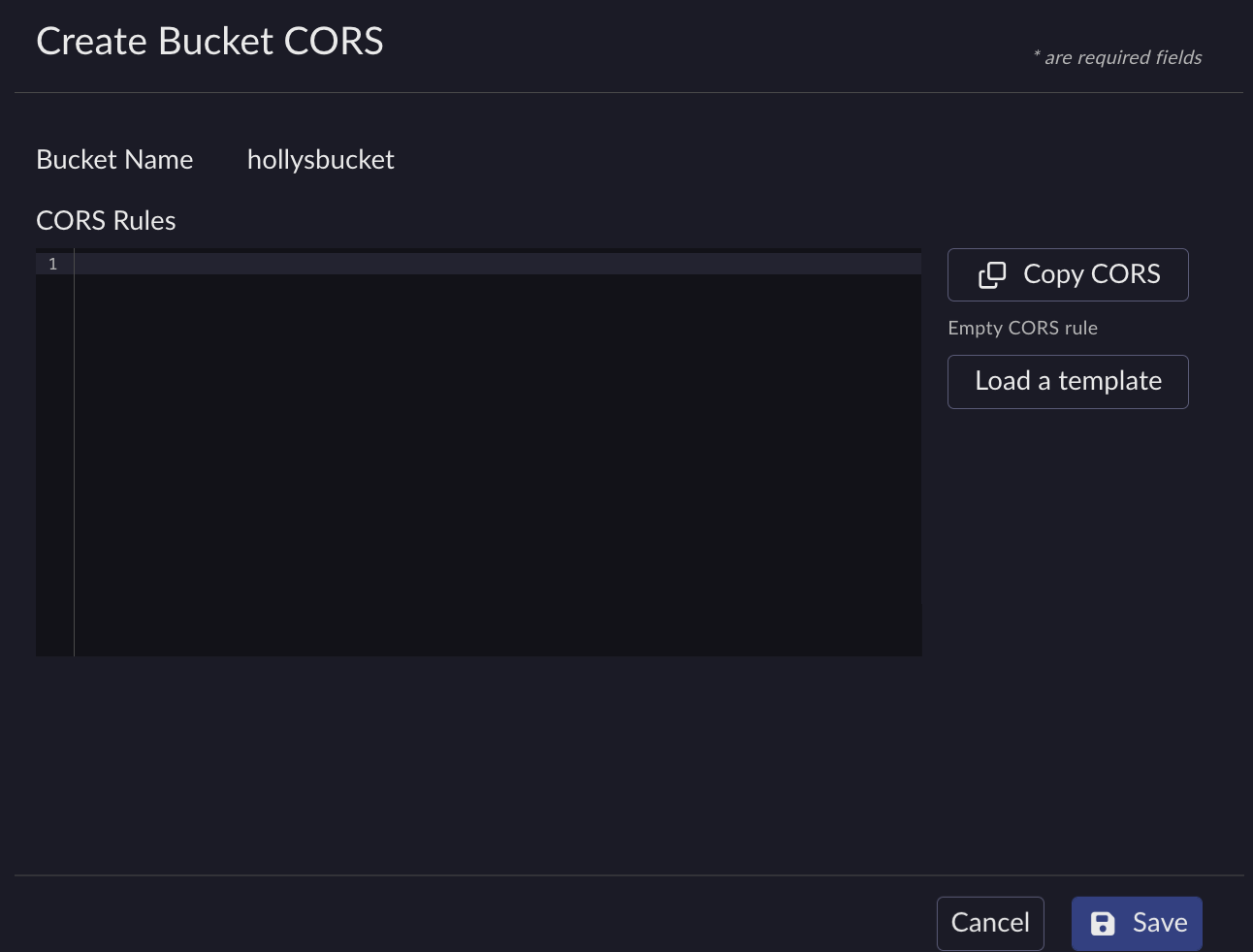
Enter the CORS rules in JSON format. The configuration is an array of rule objects. Each rule object supports the following properties:
AllowedHeaders: List of headers allowed in preflight requests.
AllowedMethods: List of HTTP methods allowed (
GET,PUT,POST,DELETE,HEAD).AllowedOrigins: List of origins allowed to make cross-domain requests.
ExposeHeaders: List of headers that the browser can access from the response.
MaxAgeSeconds: Time in seconds that the browser caches the preflight response.
Tip
Click Load a template to populate the editor with a sample CORS configuration.
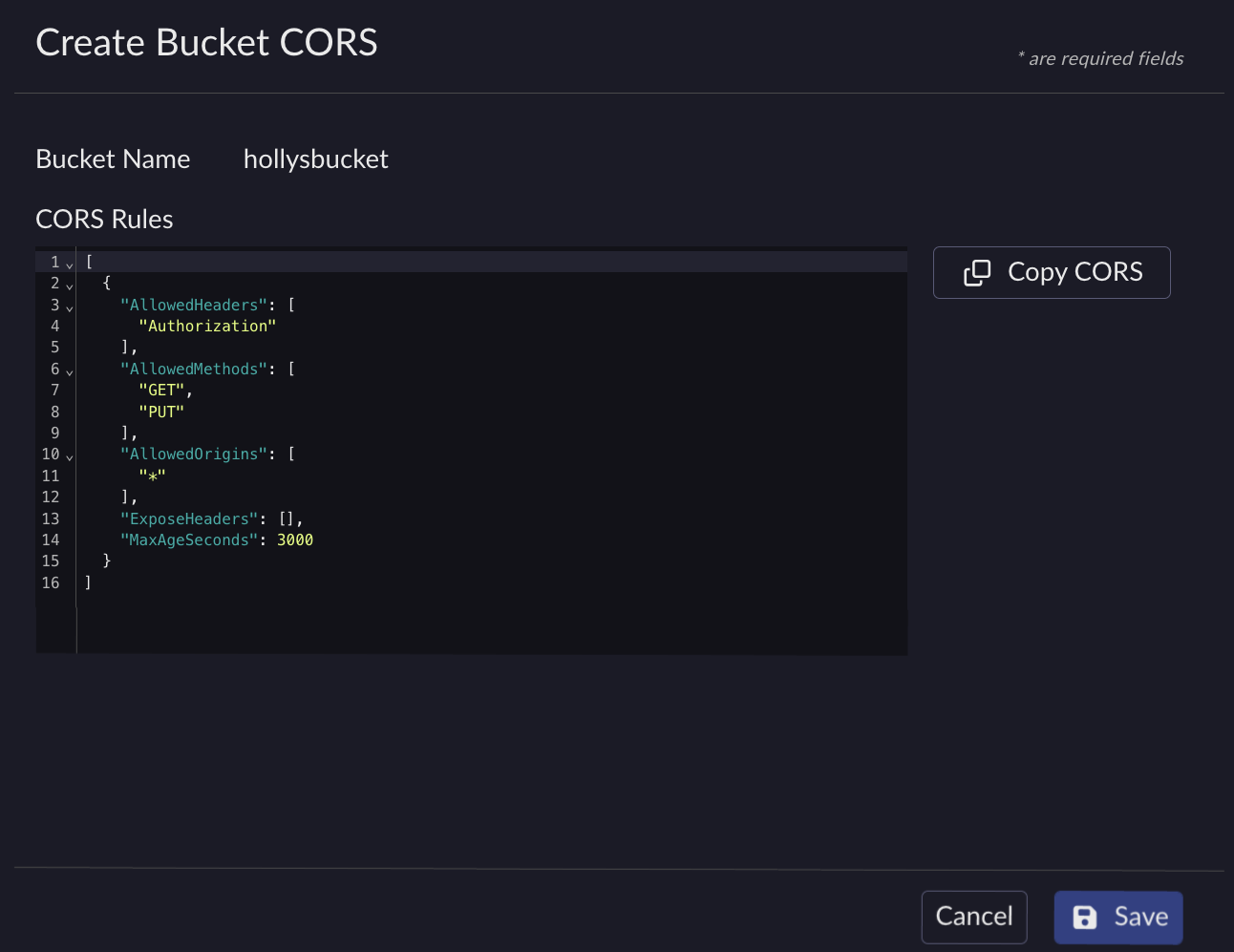
Example of a CORS configuration
[
  {
    "AllowedHeaders": [
      "Authorization"
    ],
    "AllowedMethods": [
      "GET",
      "PUT"
    ],
    "AllowedOrigins": [
      "*"
    ],
    "ExposeHeaders": [],
    "MaxAgeSeconds": 3000
  }
]
Click Save to apply the CORS configuration.
To remove the CORS configuration, clear the editor content and click Save.
To configure CORS on a bucket:
aws --endpoint-url http://endpoint s3api put-bucket-cors --bucket BUCKET_NAME --cors-configuration file://cors.json
To retrieve the CORS configuration on a bucket:
aws --endpoint-url http://endpoint s3api get-bucket-cors --bucket BUCKET_NAME
To delete the CORS configuration on a bucket:
aws --endpoint-url http://endpoint s3api delete-bucket-cors --bucket BUCKET_NAME


