

Create Lifecycle Expiration Workflow
Prerequisite
You must have created a source bucket.
Note
Lifecycle operations are performed asynchronously. The scans for identifying eligible objects are triggered every 12 hours and can take couple of hours to run. This can lead to some delay for the eligible objects to be deleted. Delays of 12 to 24 hours can be observed on a properly working platform.
Procedure
From the main menu, choose Data Management. Click Data Browser from the side menu and select an account from the top drop-down list in the breadcrumb.

Select the bucket you want to view by clicking anywhere on the row but the bucket name.
Under the Lifecycle tab, click Create Rule.
Tip
Click anywhere on the row except on the name itself to highlight the row.
In the lifecycle rule form, fill in the following fields:
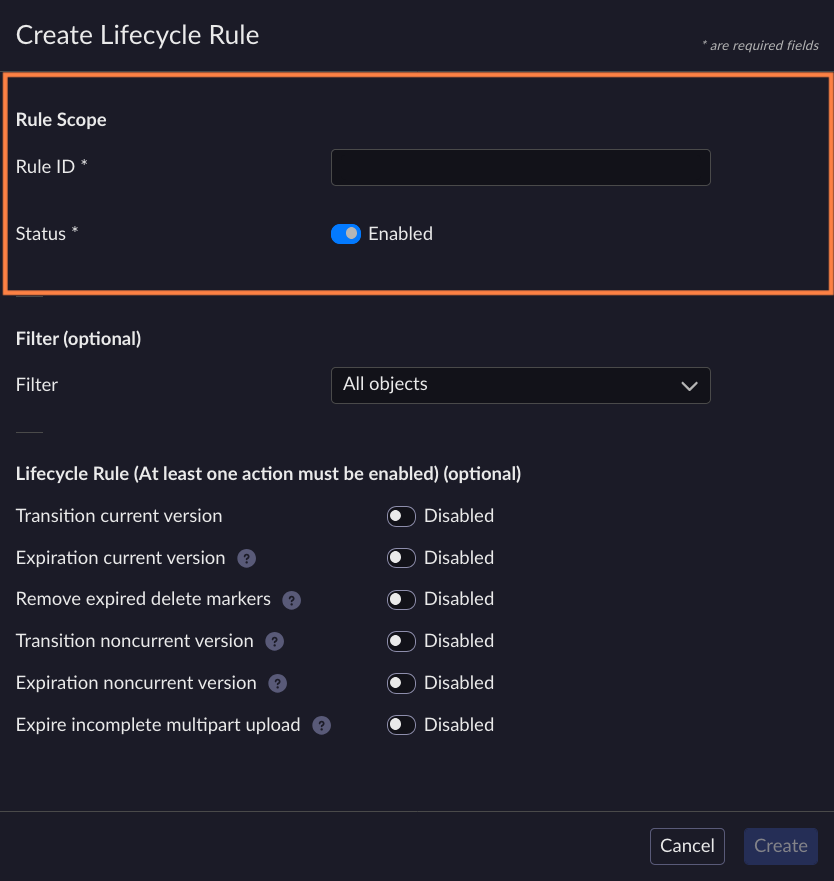
Rule ID: Enter a unique identifier for the rule.
Status: Select Enabled.
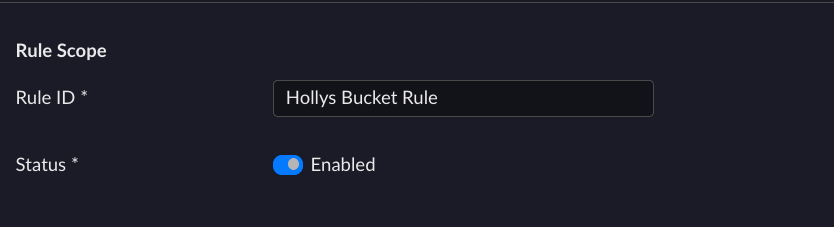
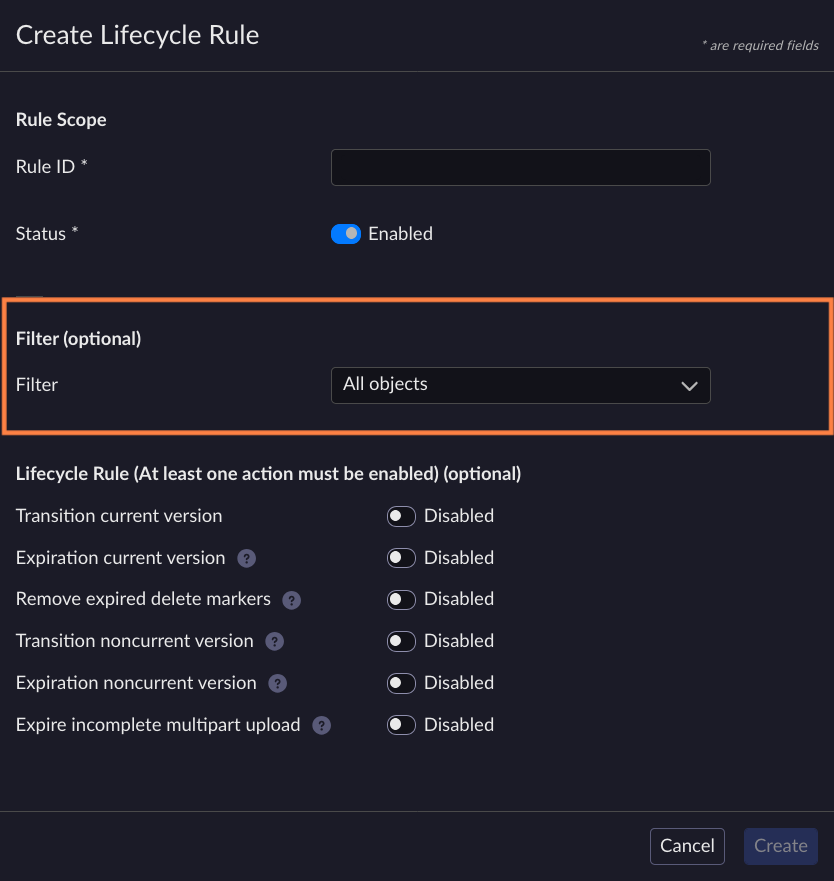
(Optional) Add Filters to the lifecycle rule. Filters can be on the prefix, on the tags, or on a combination of both. The rule only applies on the subset of objects defined by these filters.
Enable one or more expiration actions:
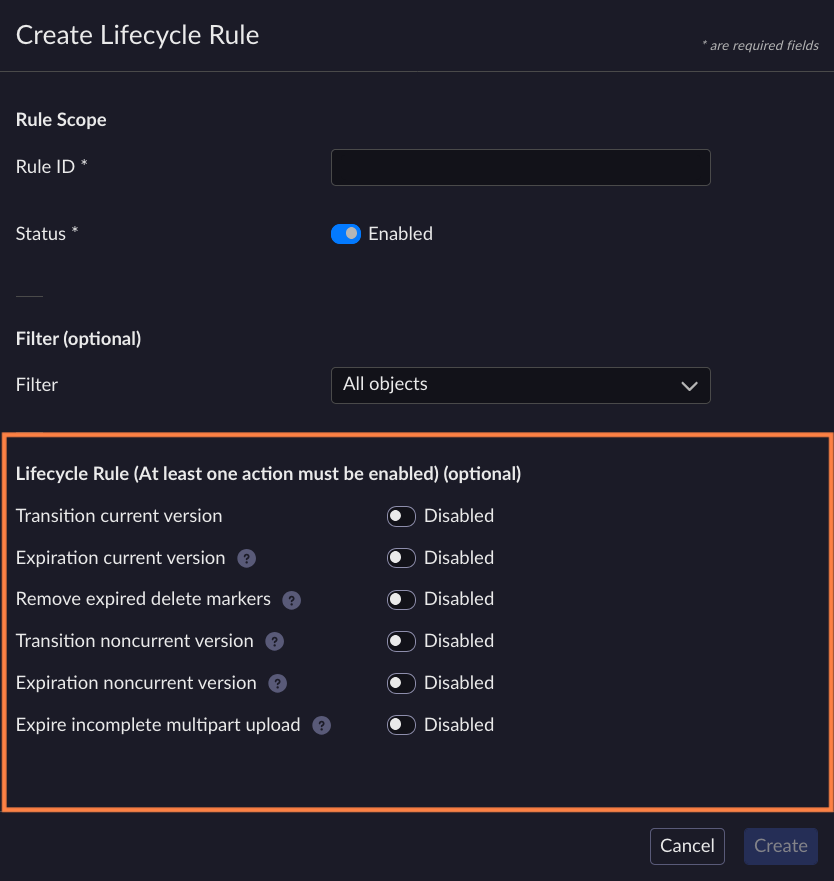
Expiration current version: Deletes the current version of objects after a specified number of days or on a specific date. If the bucket is versioned, this action adds a delete marker. If the bucket is not versioned, the action removes the object.
Expiration noncurrent version: Removes noncurrent versions after a specified number of days since they became noncurrent.
Note
This will have no effect on a non-versioned bucket.
This will not remove the current version.
Keep newer versions field
The Keep newer versions field controls how many of the most recent noncurrent versions are protected from expiration, even when a NonconcurrentVersionExpiration rule is active. For example, if you set the value to
3and an object has 5 noncurrent versions, only the 2 oldest noncurrent versions will be eligible for expiration. The 3 most recent noncurrent versions will be protected.Note
If the value is set to
0, all noncurrent versions will be eligible for expiration.Expire incomplete multipart upload: Removes the incomplete multipart uploads after initiating the operation. This will avoid having unused S3 storage.
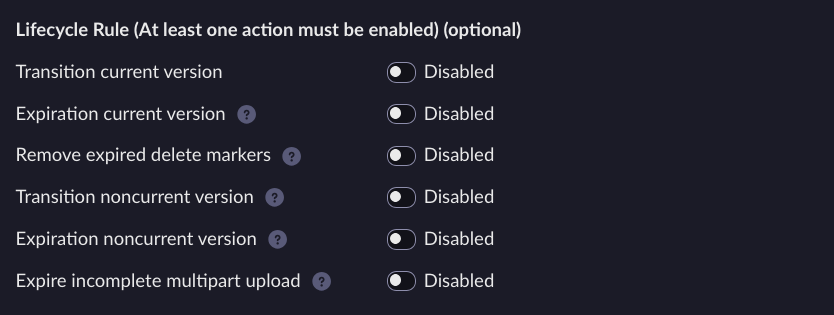
Click Create.
The new rule will be visible in the Lifecycle area, and the rules related to a specific bucket will be visible in its Lifecycle tab. You can edit the rule after creation, for example a prefix filter can be added.


