

Transition Workflow
Use the transition workflow type to move a bucket’s data to another Storage location.
Important
Transition workflow is used in the Archiving use case to move data to a Cold Storage location. In this case, the data can no longer be retrieved easily. You must make a restoration request to get temporary access to your data.
Prerequisites
Create a source bucket.
Create a destination Storage location.
The bucket must have an active transition workflow.
Create a Transition Workflow
From the main menu, choose Data Management. Click Data Browser from the side menu and select an account from the top drop-down list in the breadcrumb.

Select the bucket you want to view by clicking anywhere on the row but the bucket name.
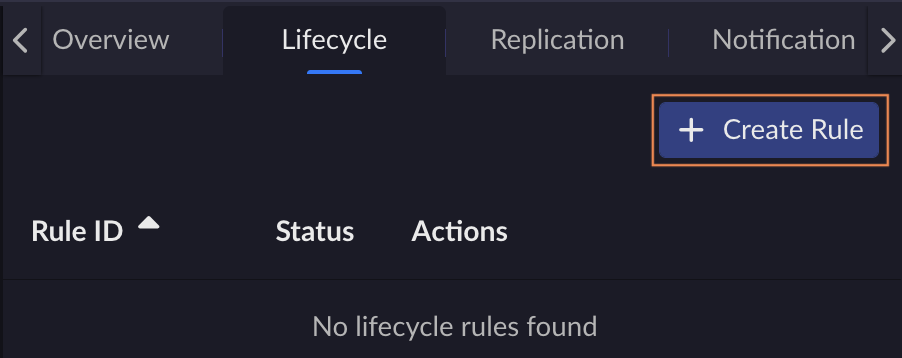
In the Lifecycle tab, click Create Rule.
The Create Lifecycle Rule page opens with a form to fill in the rule details and the lifecycle actions to enable.
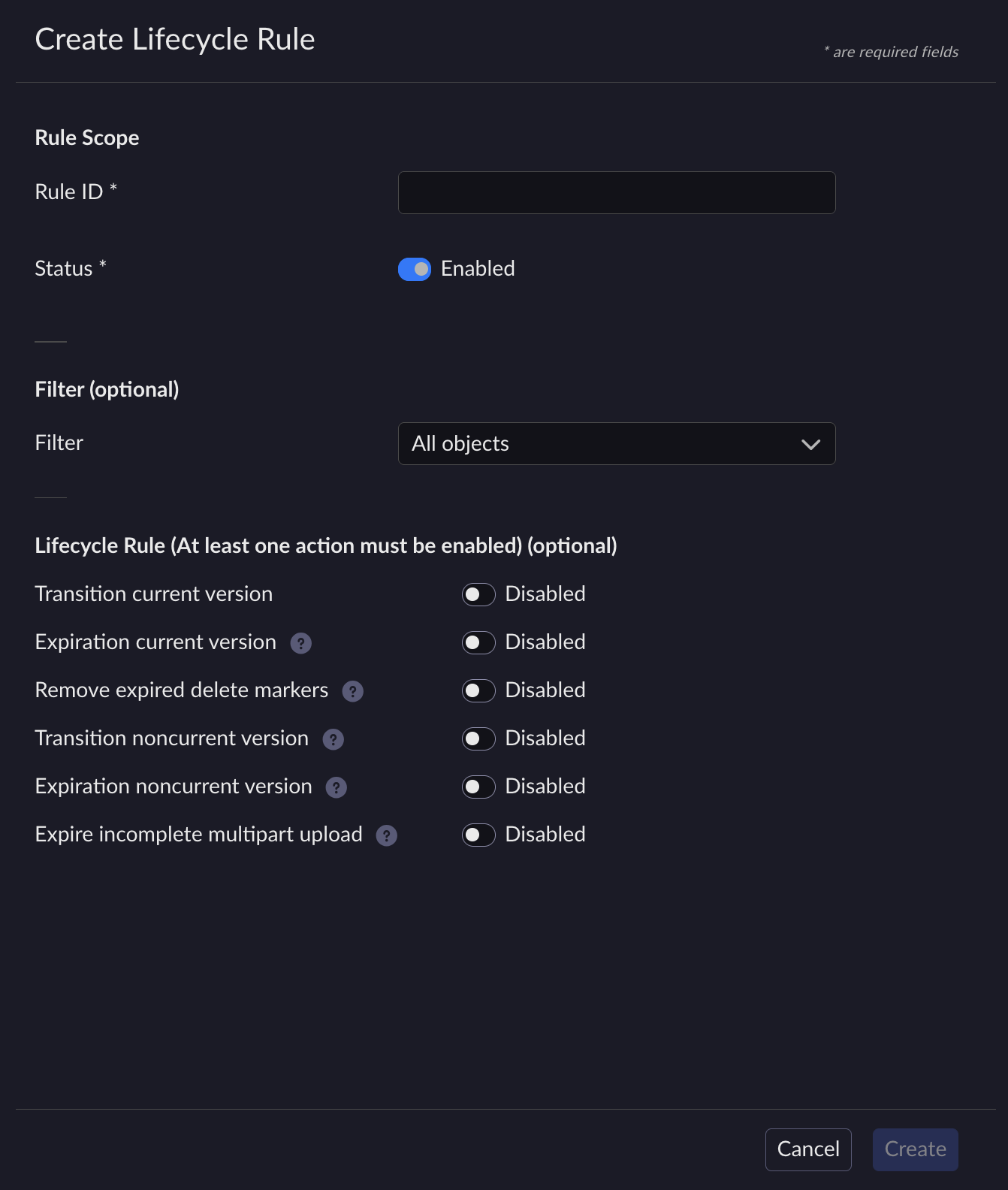
Fill in the required fields:
Rule ID: Enter a unique identifier for the rule.
Status: Select Enabled.
(Optional) Configure Filters to limit the transition scope:
Prefix: Apply the rule only to objects matching a key prefix.
Tags: Apply the rule only to objects with specific tag key-value pairs.
Enable Transition current version (or Transition noncurrent version for previous versions):
Select the target Storage Class (the destination storage location).
Specify the number of Days after object creation before the transition occurs, or select a specific Date.
Click Create. The new rule displays under the bucket’s Lifecycle tab.


