

Search Metadata from ARTESCA Data Services
Every object stored in an object storage system is associated with metadata. Understanding the metadata tags associated with these objects provides a powerful method for rapid object search and retrieval.
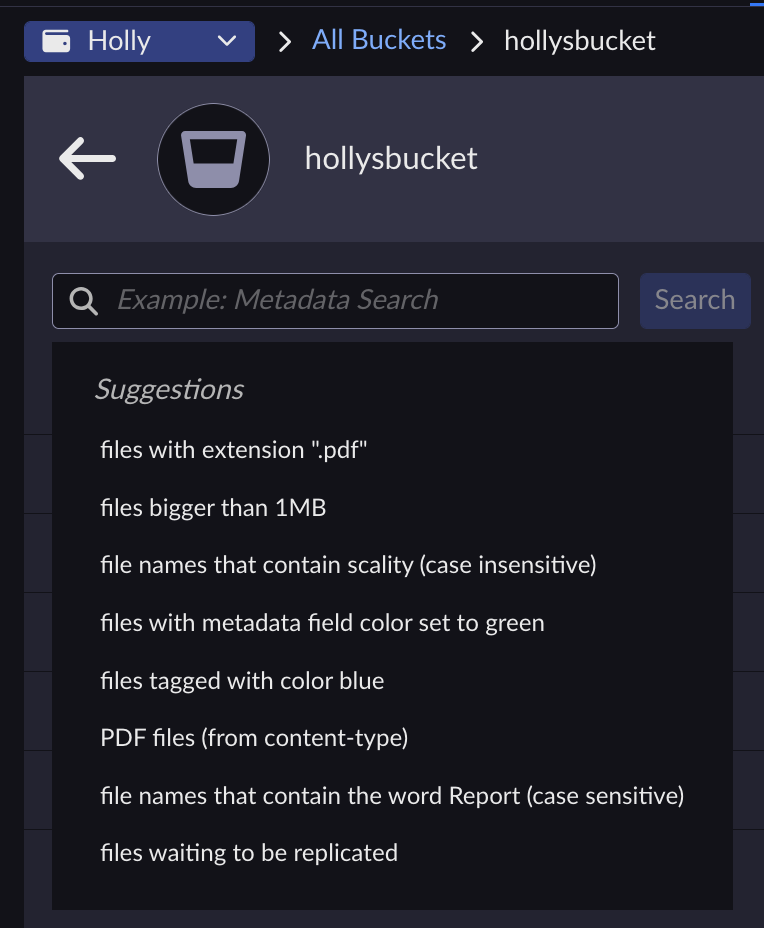
The ARTESCA Data Services UI provides a graphical tool for performing metadata searches, the syntax for which is hinted under the search bar itself, but also described explicitly in Search Metadata with ARTESCA Data Services.
To search the metadata of objects stored in clouds managed by ARTESCA Data Services:
From the main menu, choose Data Management. Click Data Browser from the side menu and select an account from the top drop-down list in the breadcrumb.

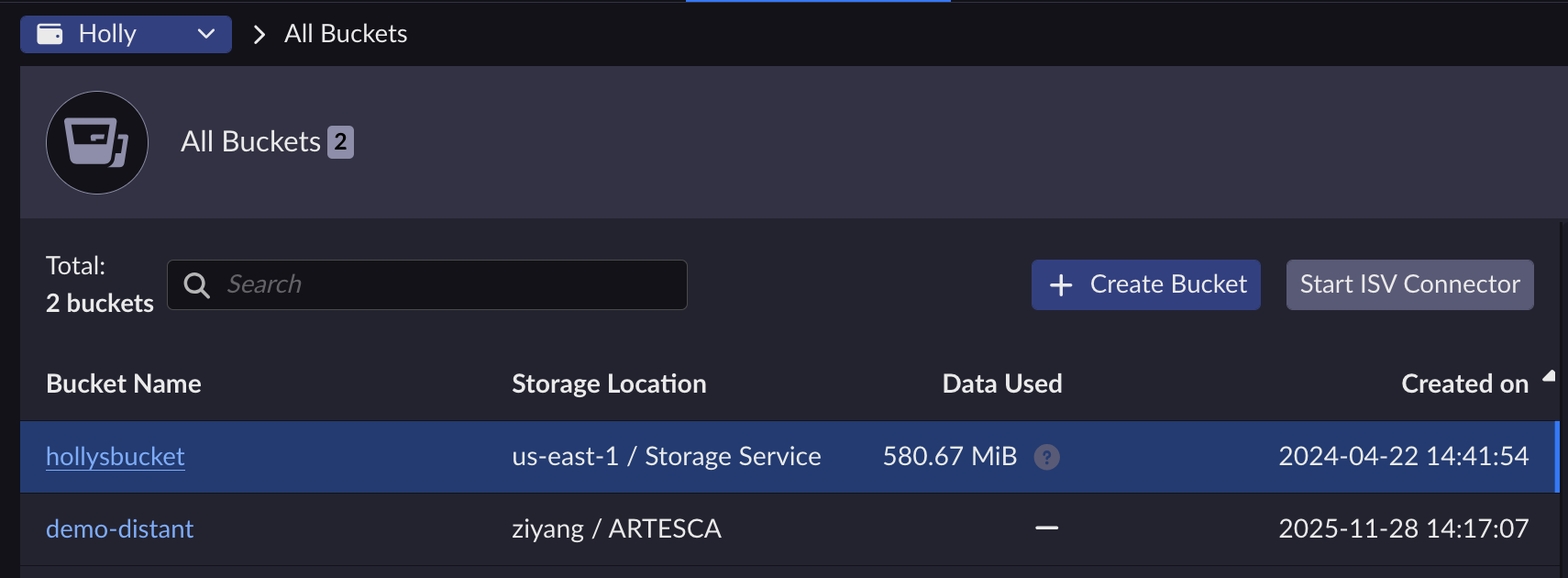
Click the name of the bucket you want to search from the Bucket Name column or use the search tool.
Enter metadata search terms in the modified NoSQL format described in Search Metadata with ARTESCA Data Services (suggested search terms appear in this field) and click Search.
The ARTESCA Data Services UI returns the search results.
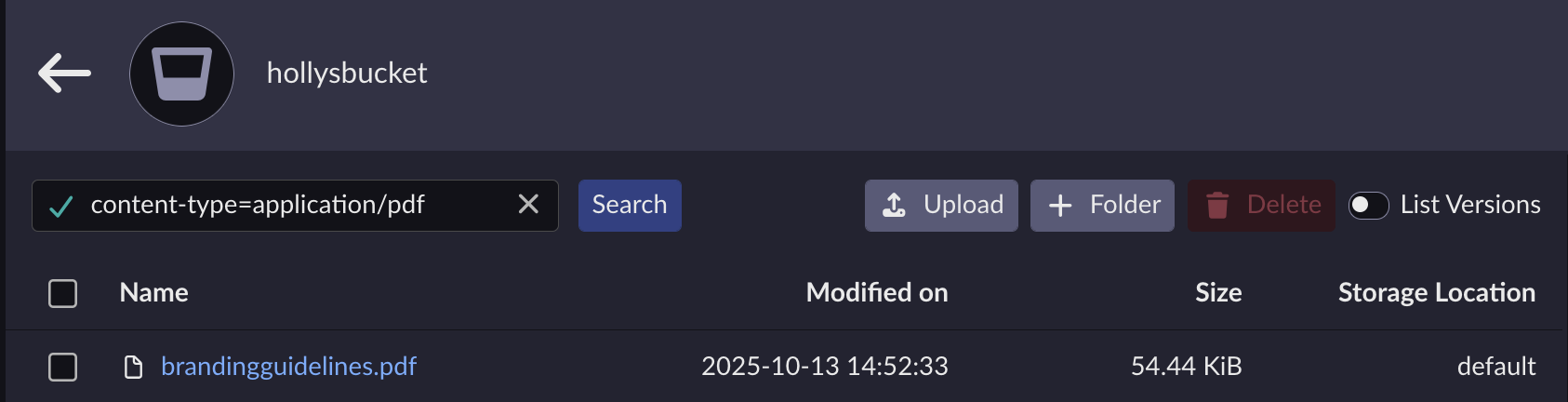
You have full object-level control (delete, inspect, download) of the returned results. Refer to Manage Objects for more.


