

Attach Policies
Prerequisites
You must have ARTESCA installed, refer to Deploy the ARTESCA Software Components.
Log in to the ARTESCA Identity Provider UI.
An IAM policy, refer to Create IAM Policies.
An IAM user, role or group, to attach the IAM policy to. Refer to Create IAM Users, Create IAM Roles, or Create IAM Groups.
Procedure
Click Data Management on the top menu and select Accounts on the left.
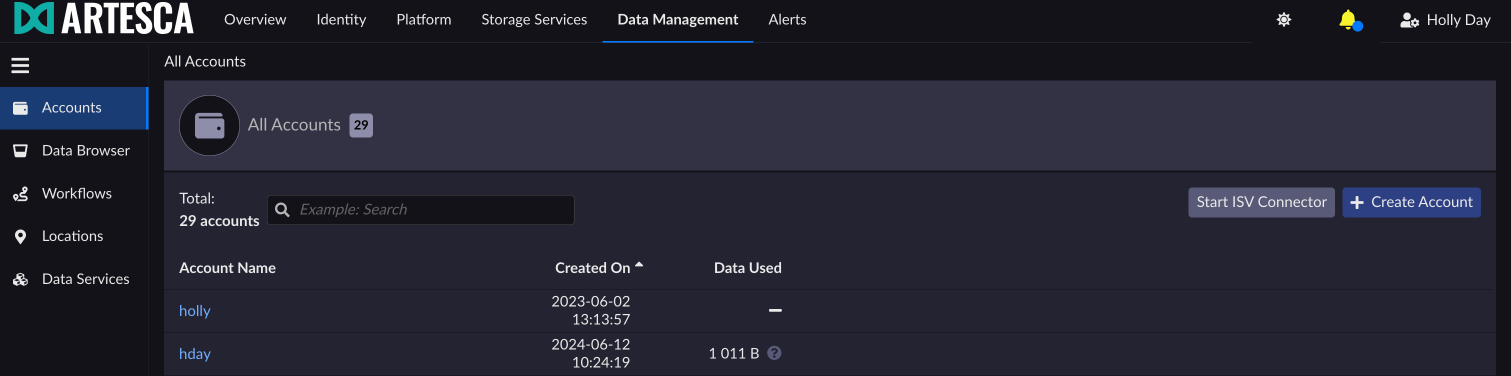
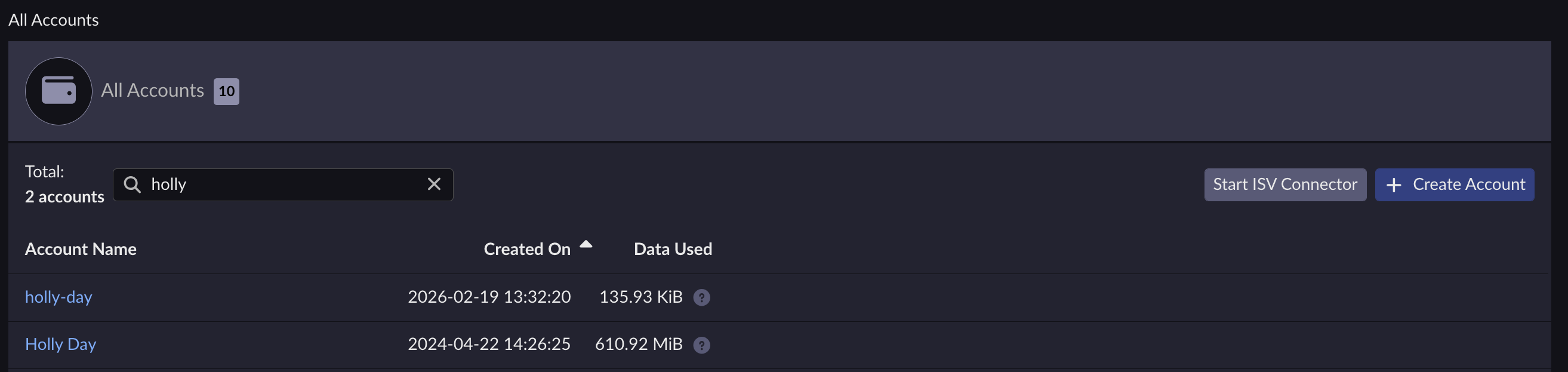
Select the account where you created your IAM Policy.
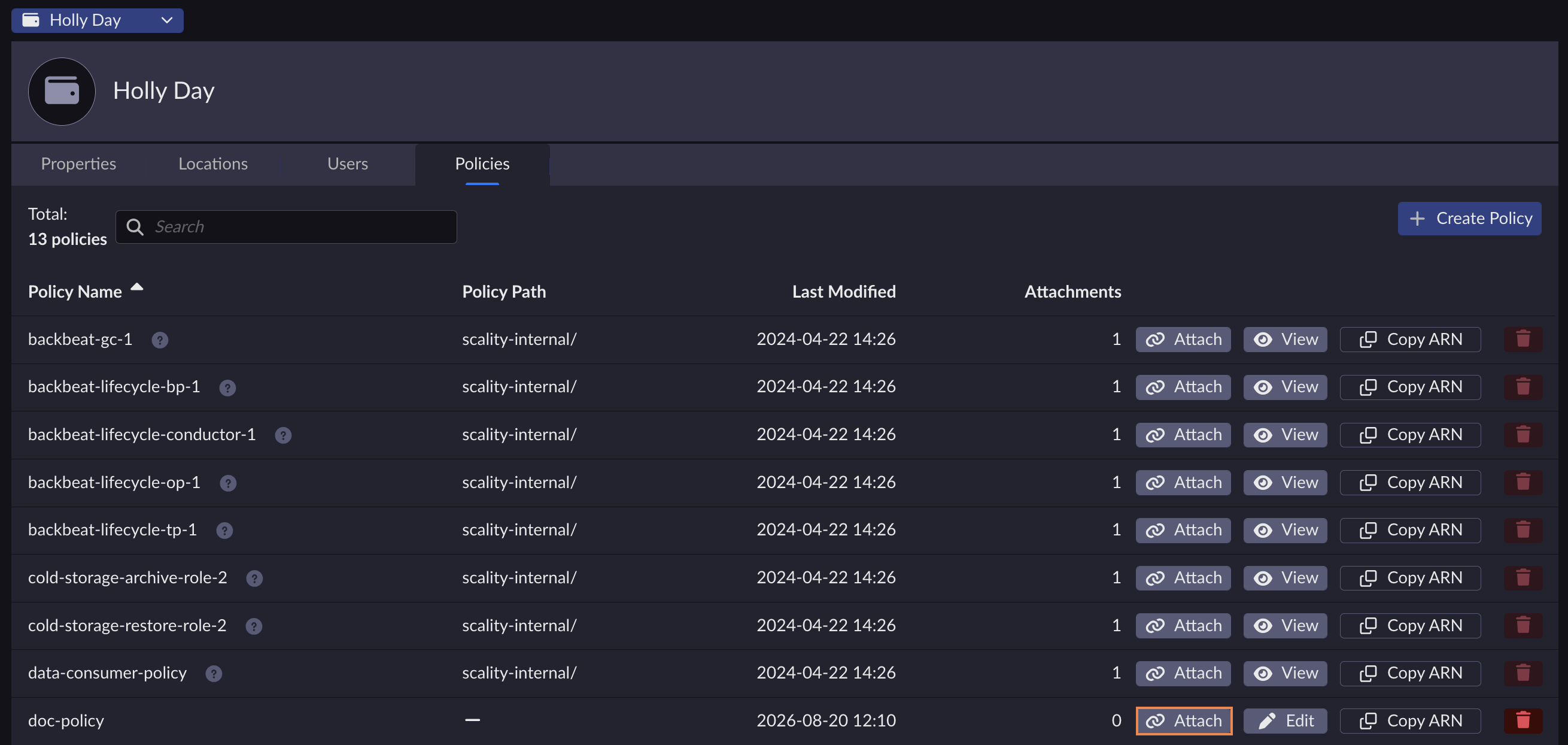
Under the Policies tab, select the policy to be attached, and click Attach.
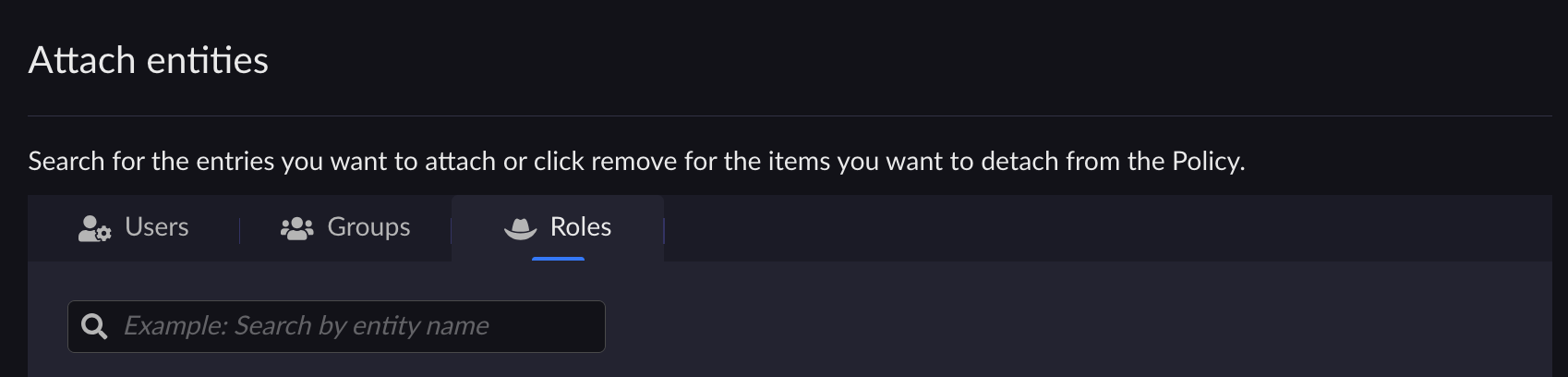
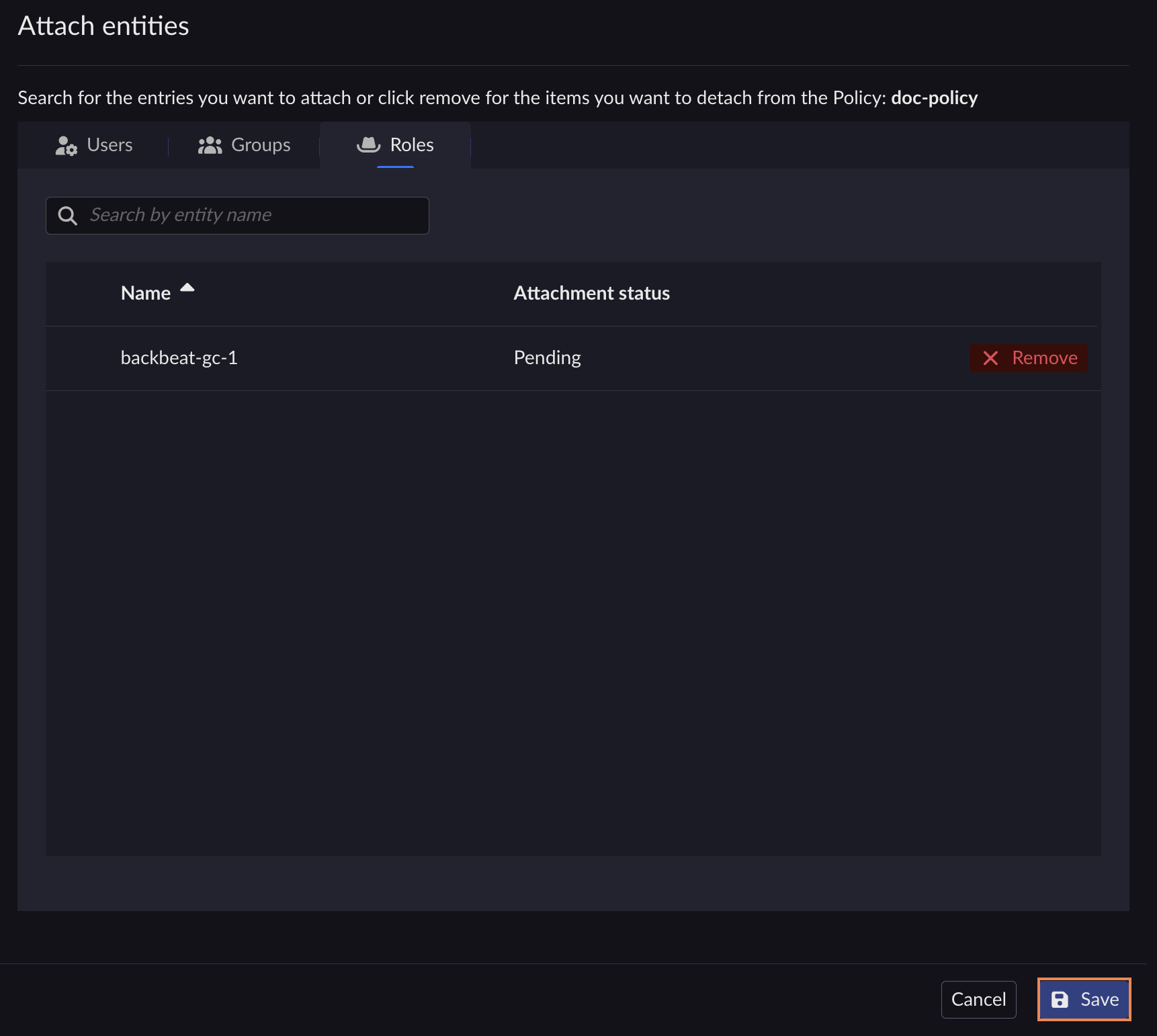
Select the type of identity Users, Groups or Roles and search for the entry you want to attach to the policy.
The policy attachment status is Pending. Click Save.
Click Confirm. The action type displays as Attach and the attachment status displays as Waiting for confirmation.
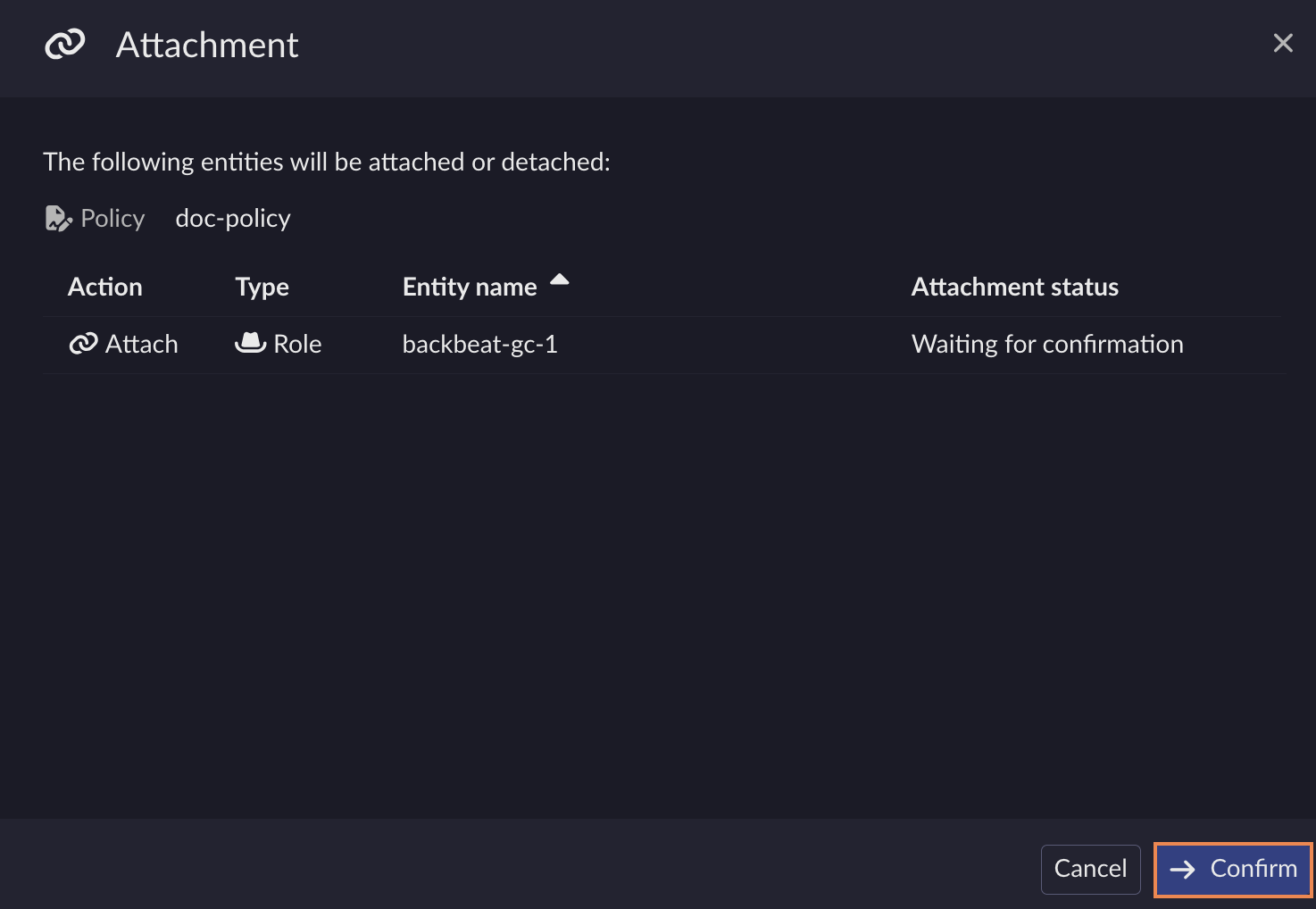
The attachment status switches to Success.
Note
Prior to calling these CLI commands, you must first obtain the IAM policy ARN. Refer to List IAM Policies for more information.
Note
To retrieve the ARN when the policy name is known, where ExamplePolicy is the
name of the created policy, issue the following command:
aws --endpoint-url https://iam.<base-domain-name> \
iam list-policies --query 'Policies[?PolicyName==ExamplePolicy].Arn' \
--no-paginate --output text
To attach a group policy run the command:
aws --endpoint-url https://iam.<base-domain-name> \
iam attach-group-policy --group-name my-group --policy-arn \
arn:aws:iam::123456789012:policy/ExamplePolicy1
To attach a role policy run the command:
aws --endpoint-url https://iam.<base-domain-name> \
iam attach-role-policy --role-name my-role --policy-arn \
arn:aws:iam::123456789012:policy/ExamplePolicy1
To attach a user policy run the command:
aws --endpoint-url https://iam.<base-domain-name> \
iam attach-user-policy --user-name my-user --policy-arn \
arn:aws:iam::123456789012:policy/ExamplePolicy1


