

Create Access Keys
Log in to the ARTESCA Data Services UI using previously provisioned credentials. Refer to Management APIs for more information on provisioning credentials.
Click Data Management on the top menu and select Accounts on the left.
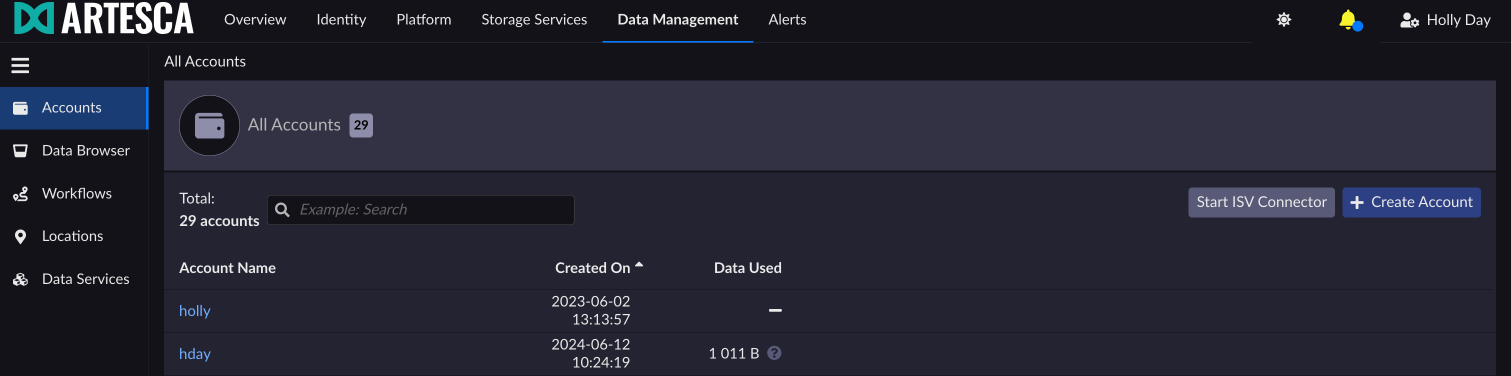
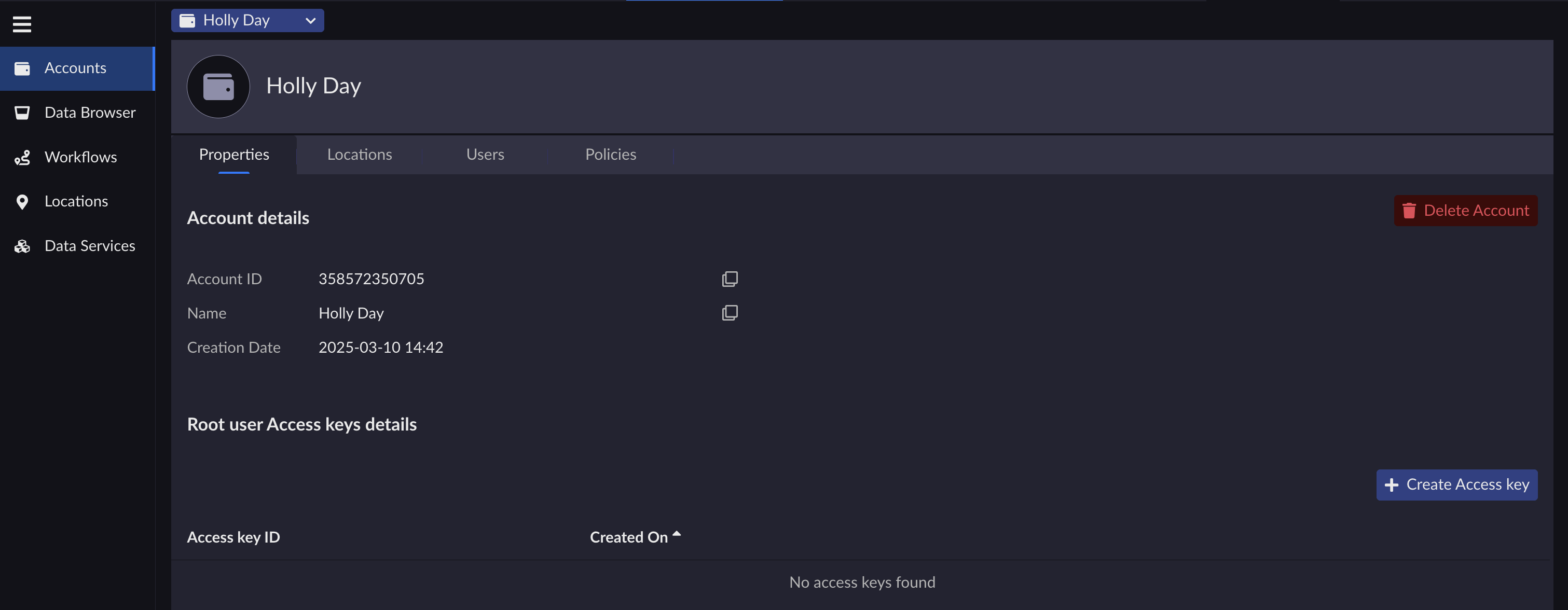
Select an account and click + Create Access key.
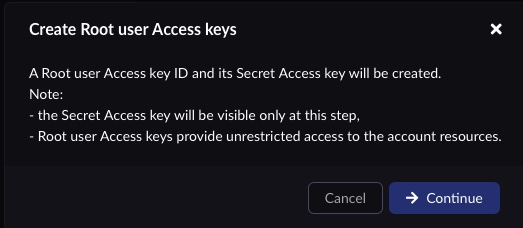
Click Continue on the Create Root user Access keys screen.
Click the copy button to save the Secret Access key ID. Make sure to save it in a secure location.

Click Close after saving the Secret Access key ID.
Refer to Management APIs for more information.


