

Create IAM Users
Click Data Management on the top menu and select Accounts on the left.
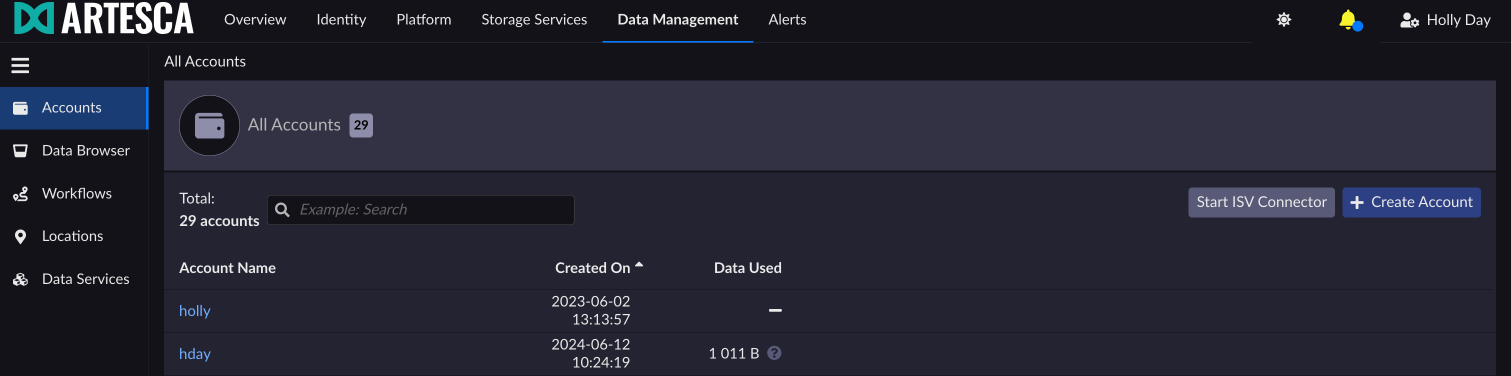
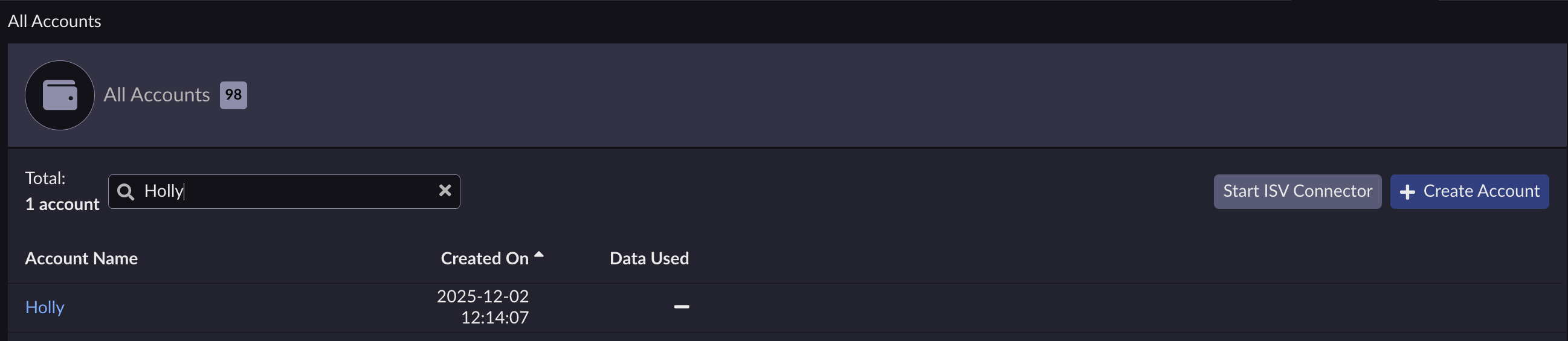
Select the account for which you want to create an IAM user.
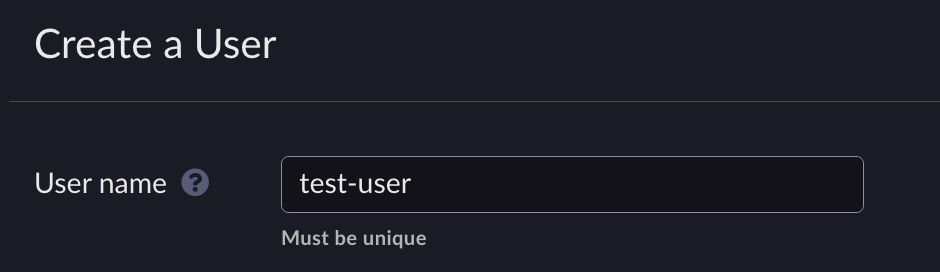
Under the Users tab, click + Create User.

Enter a unique name for the new IAM user and click Create in the dialog box.
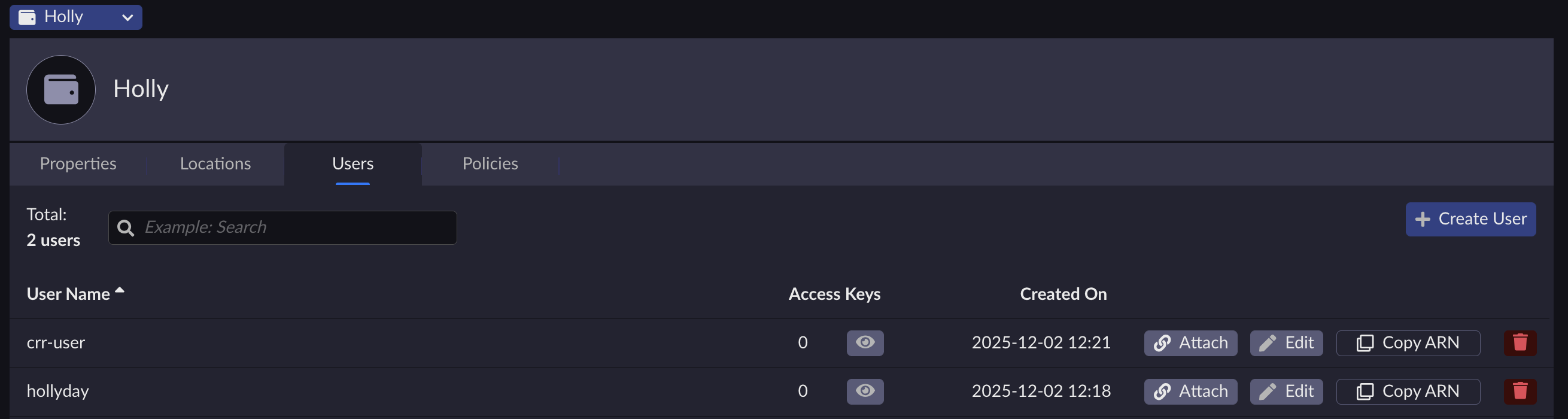
The new IAM user is displayed on the users list.
Run the command:
aws --endpoint-url https://iam.<base-domain-name> iam create-user \
--user-name devops
{
"User": {
     "UserName": "devops",
     "Path": "/",
     "UserId": "1A4BZ7OTEXL9LST4DQ1XXC15J1QQYLQ6",
     "Arn": "arn:aws:iam::823610900596:user/devops"
  }
}
Note
The user is now created but has no permissions to the S3 service. To define what services the user can access, you must apply a policy to the user or to the user’s group. Refer to Manage IAM Policies and Manage IAM Groups for more information.


