

Delete IAM Policies
This procedure deletes a managed policy from your ARTESCA account. The policy must be detached from all the IAM users, groups, and roles it is attached to before it can be deleted.
You must have the predefined StorageAccountOwner IAM role to
perform this procedure.
Note
You cannot delete predefined Scality policies.
Click Data Management on the top menu and select Accounts on the left.
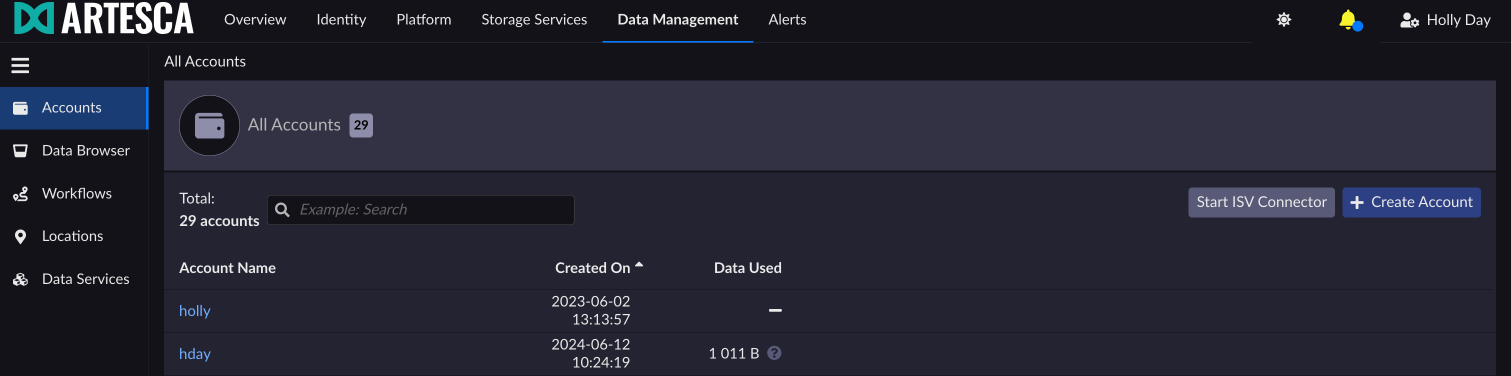
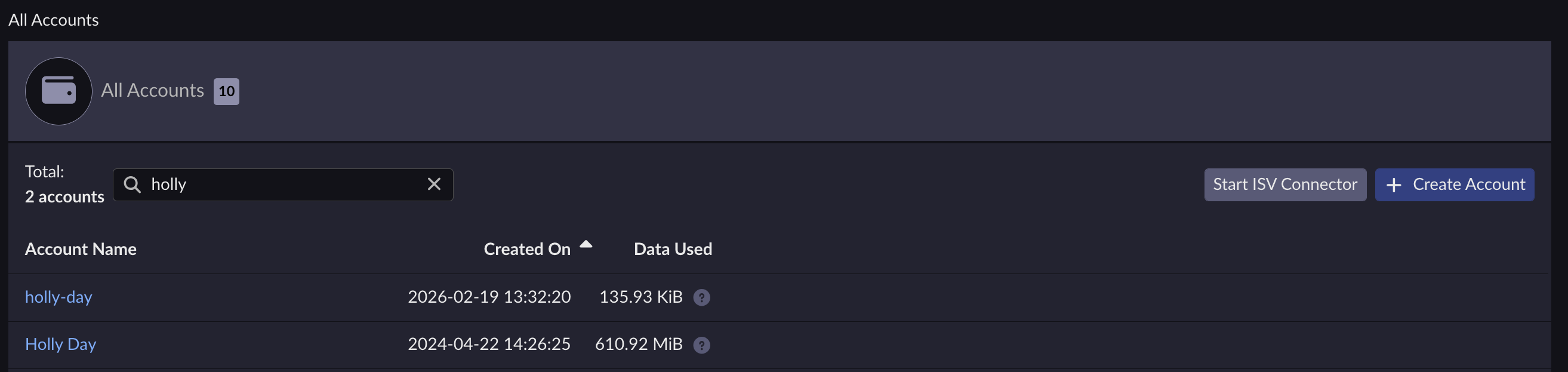
Select the account you want to delete a policy from.
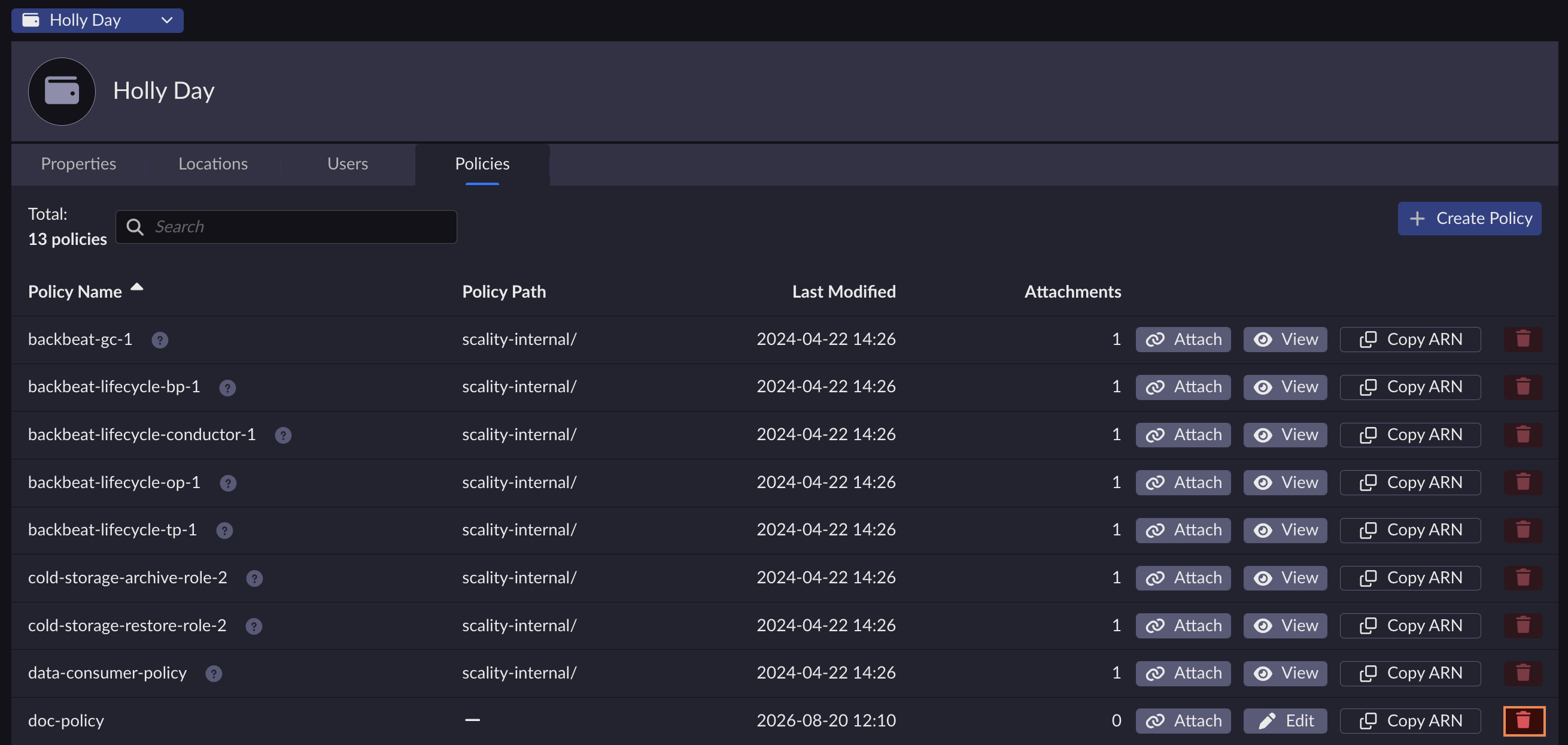
Under the Policies tab, click the trash icon corresponding to the policy you want to delete.
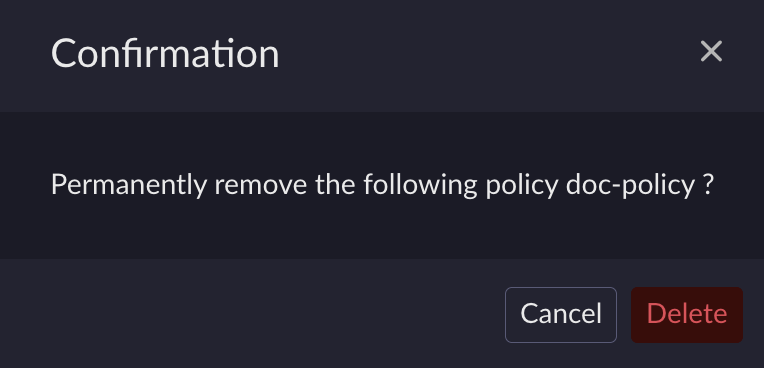
A dialog box appears asking for confirmation.
Click Delete to confirm the policy deletion.
Your policy is no longer on the list.
List all the users, groups, and roles that the policy is attached to.
Detach the policy from all users, groups and roles that it is attached to.
Run the following command:
aws --endpoint-url https://iam.<base-domain-name> iam delete-policy --policy-arn arn:aws:iam::123456789012:policy/policyName


