

List Policy Versions
Prerequisites
An IAM account with an active Storage Account Owner session credentials (or admin access).
An existing policy created with ARN
<POLICY_ARN>and at least two versions.
Procedure
Click Data Management on the top menu and select Accounts on the left.
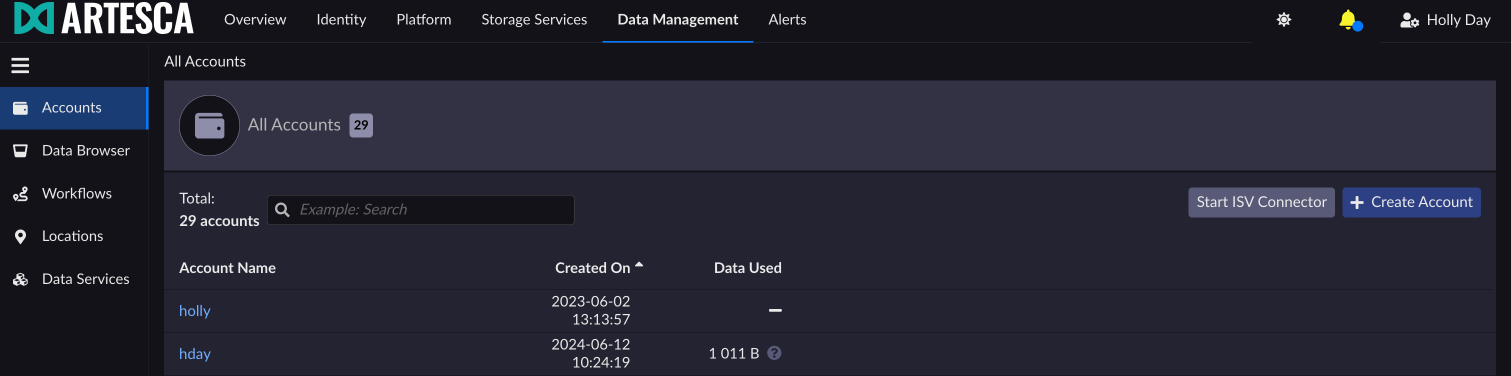
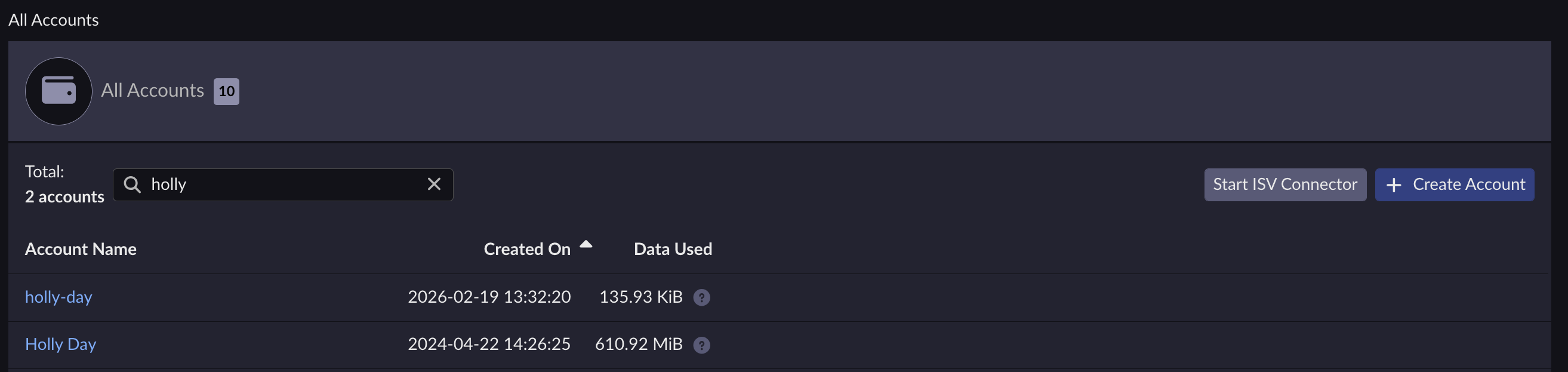
Select the account you want to list policy versions for.
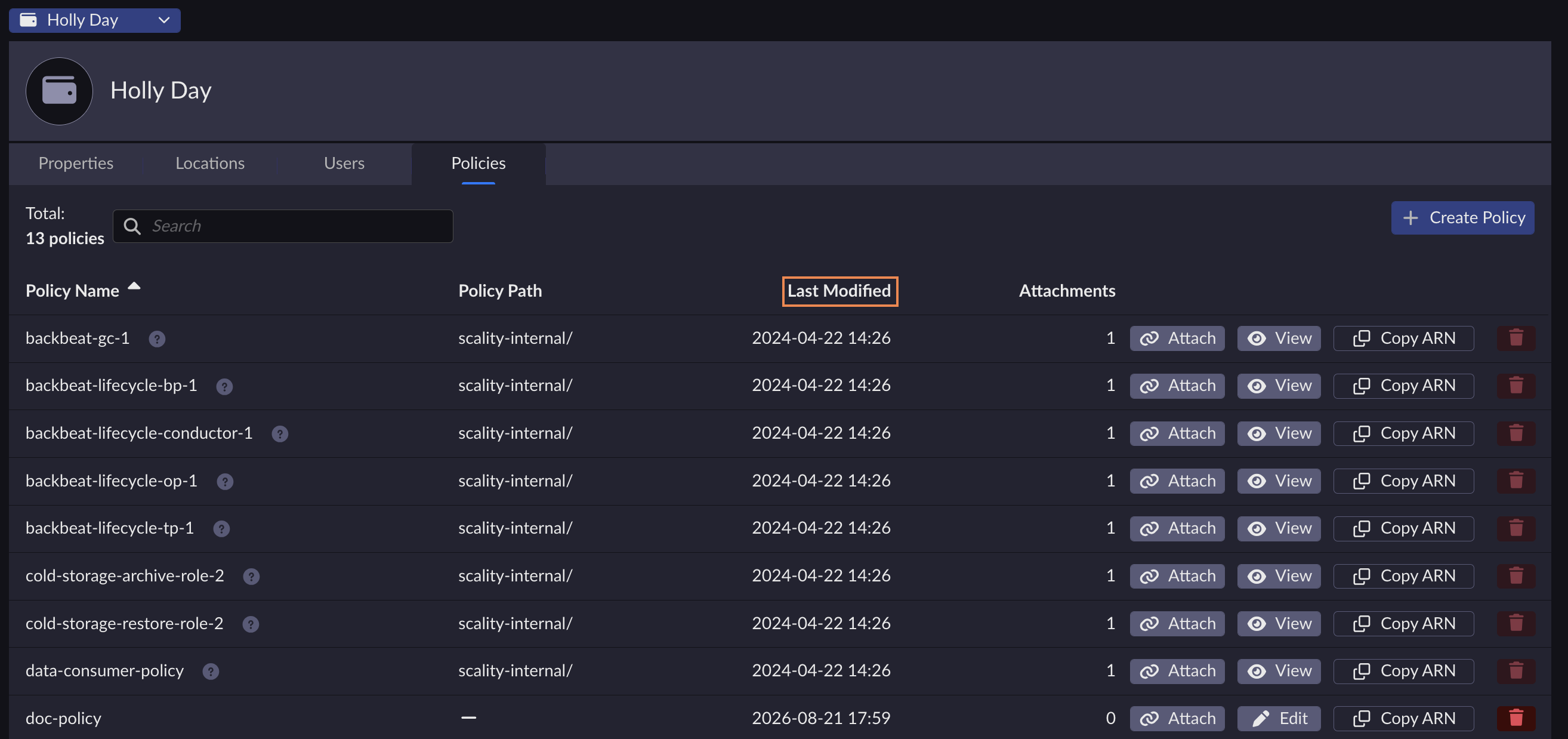
Under the Policies tab, the Last Modified column indicates the latest policy’s version.
Note
You can edit policies by clicking Edit next to the corresponding policy, or view predefined Scality policies by clicking View.
aws iam list-policy-versions --policy-arn <POLICY_ARN>
{
    "IsTruncated": false,
    "Versions": [
        {
        "CreateDate": "2022-01-01T23:19:44Z",
        "VersionId": "v2",
        "IsDefaultVersion": true
        },
        {
        "CreateDate": "2022-01-01T22:30:47Z",
        "VersionId": "v1",
        "IsDefaultVersion": false
        }
    ]
}
Post-checks
The output contains a list with one item per policy version in the policy.


