

Delete Access Keys
Log into the ARTESCA Data Services UI.
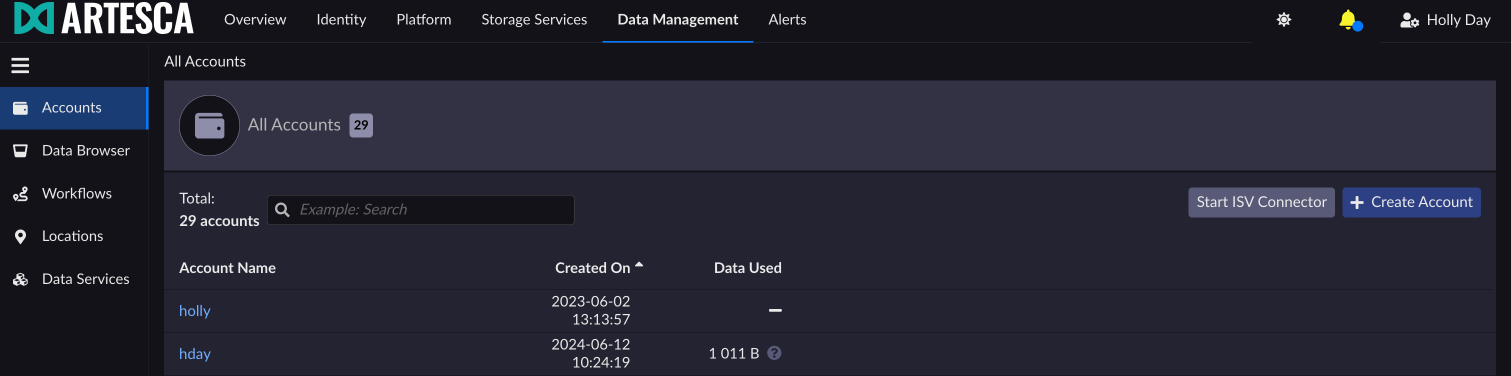
Click Data Management on the top menu and select Accounts on the left.
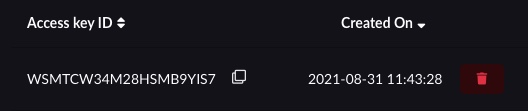
Click the red trash icon next to the Access key you want to delete.
Important
You will not be asked for confirmation. Clicking the trash icon will immediately delete the key.
Refer to the delete-access-key API to delete an access key in ARTESCA.


