

Delete an Account
Important
Ensure that all resources associated with the account (locations, users, policies, and buckets) are deleted before deleting the account. Otherwise, you will get an error message when trying to delete the account.
Click Data Management on the top menu and select Accounts on the left.
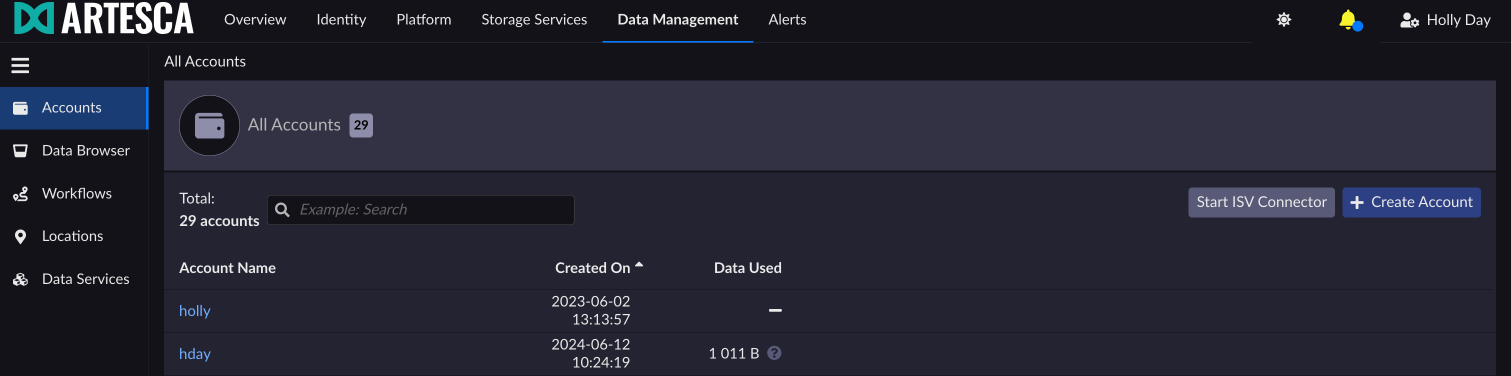
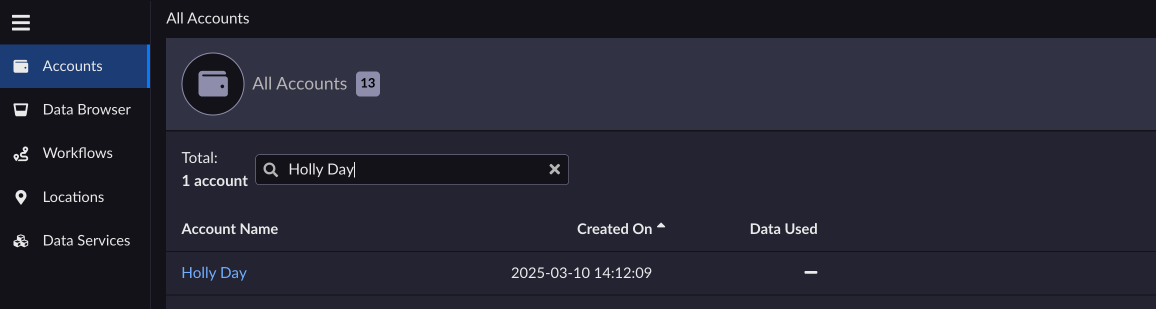
Select the account you want to delete. You can use the search tool to narrow your choices.
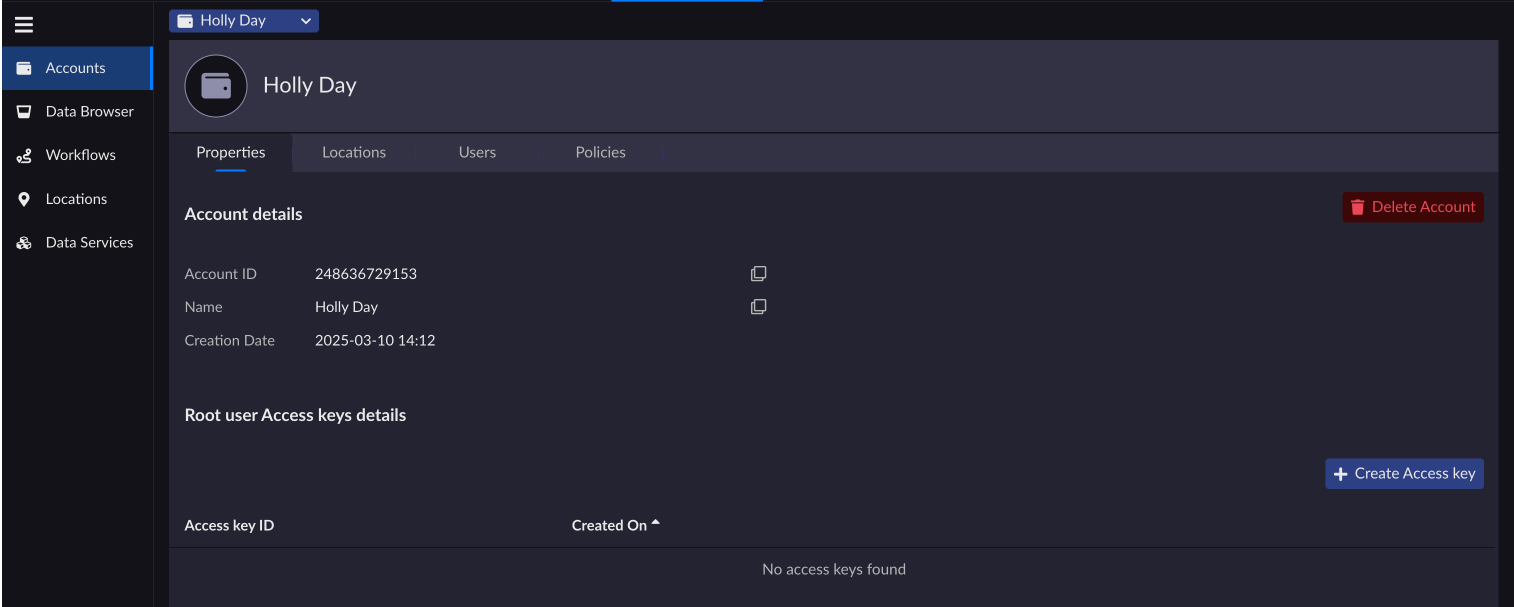
On the account information page, click Delete Account.
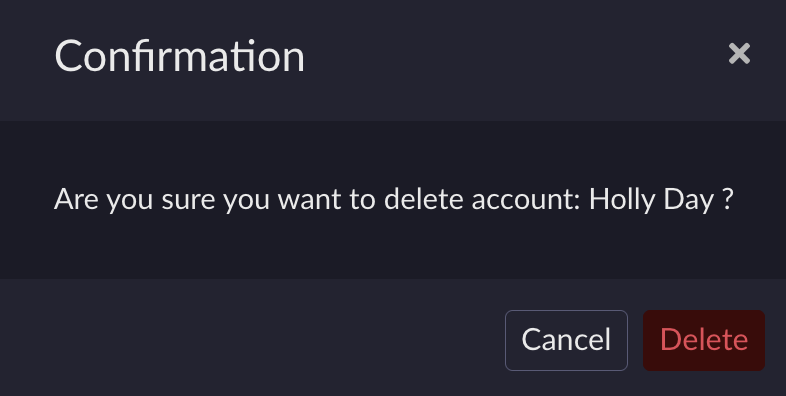
Click Delete to confirm the account deletion.
You are redirected to the Accounts page and the deleted account is no longer available in the list.
Refer to Management APIs for more information.


