

Create an Account
Note
ARTESCA automatically creates three pre-defined IAM roles for each created account.
Click Data Management on the top menu and select Accounts on the left.
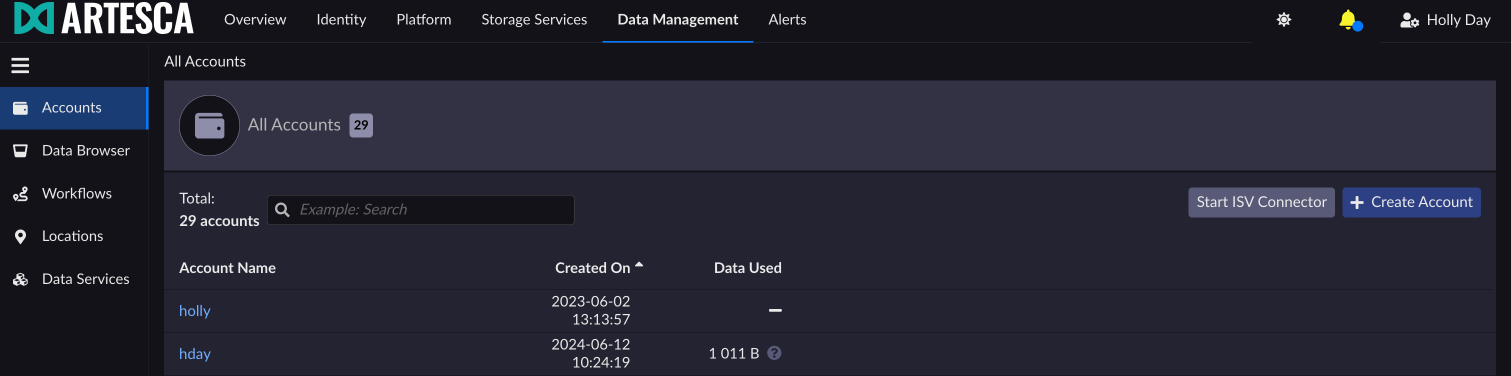
Click Create Account to raise the Create New Account dialog box.
Fill in the Name and Root Account Email fields.

Click Create. The Accounts page displays with the new account information.
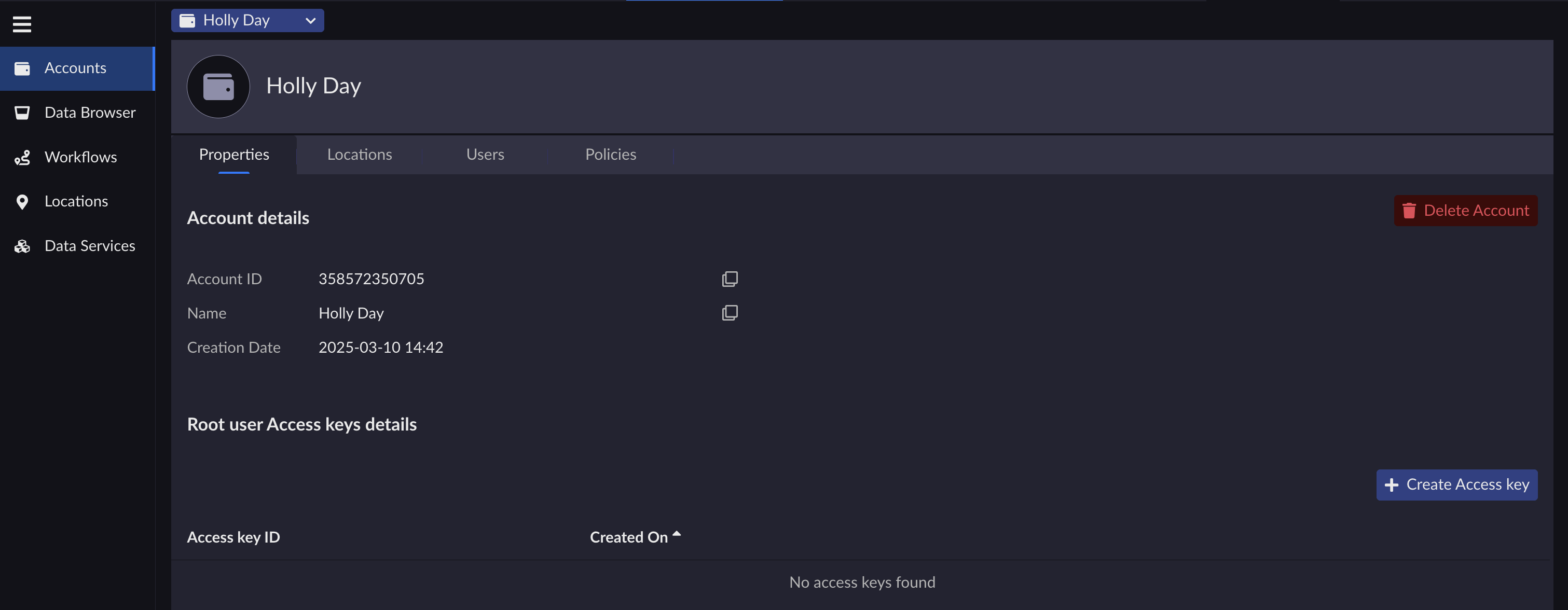
From this page, if you have the Storage Manager admin role, you can manage your account and its different resources.
Refer to Management APIs for more information.


