

Create Local Groups
This procedure allows you to create a local group.
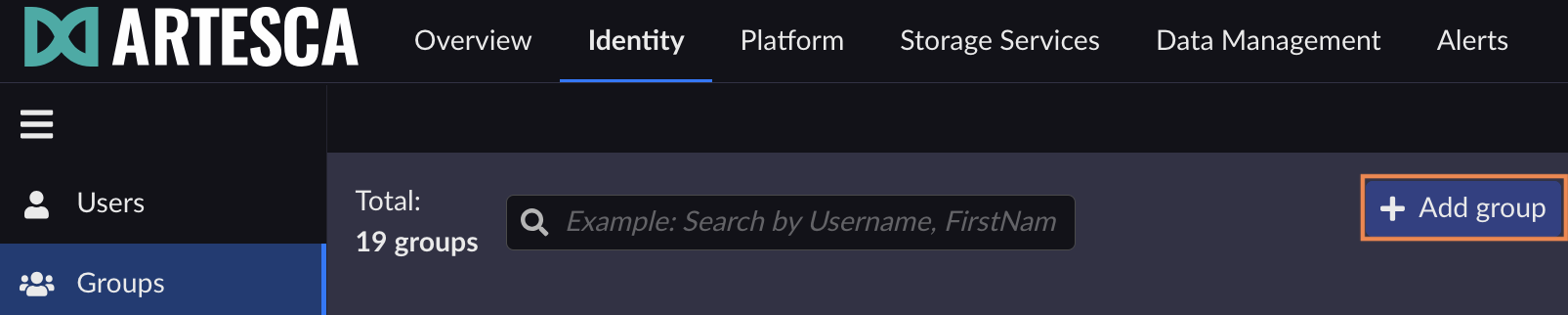
On the Groups page, click Add group.
On the Create Group dialog box, enter a group name and click Create.
Note
If you want to Assign IAM Roles to ARTESCA Users, name the group according to your account and the IAM role you want to assign to the user
<ACCOUNT>::<ROLE_NAME>.The created group displays. You can assign ARTESCA admin user roles to the group members by checking the role’s box and clicking Save on the Overview tab.

Refer to Add Local Users to a Group to populate a group.


