

Remove Local Users from a Group
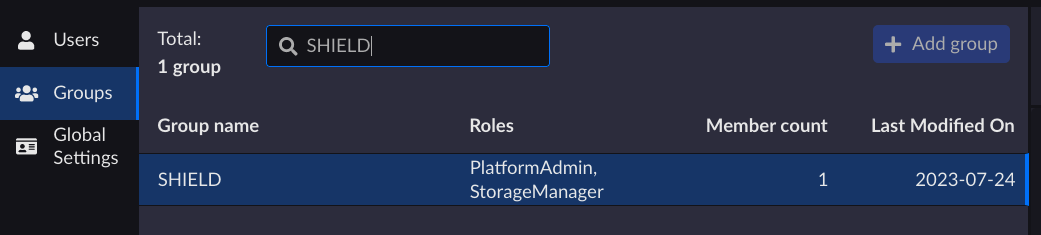
On the Groups page, select the group you want to remove the user from the list.
From the Members tab, search for the user you want to remove from the group.
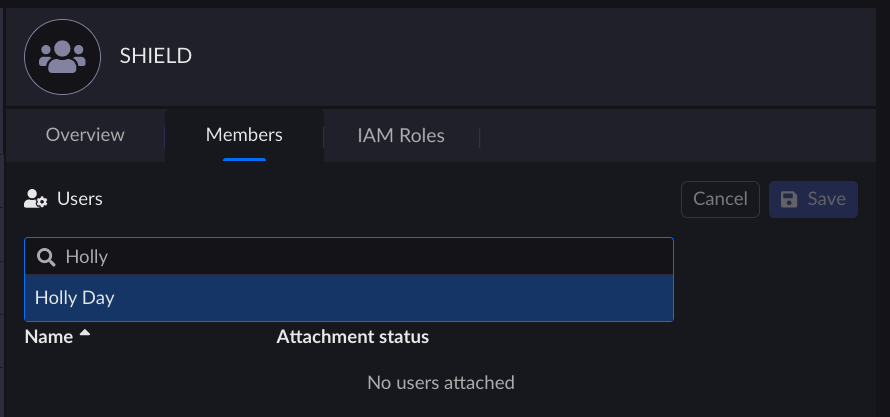
Click Remove and Save to confirm the removal.
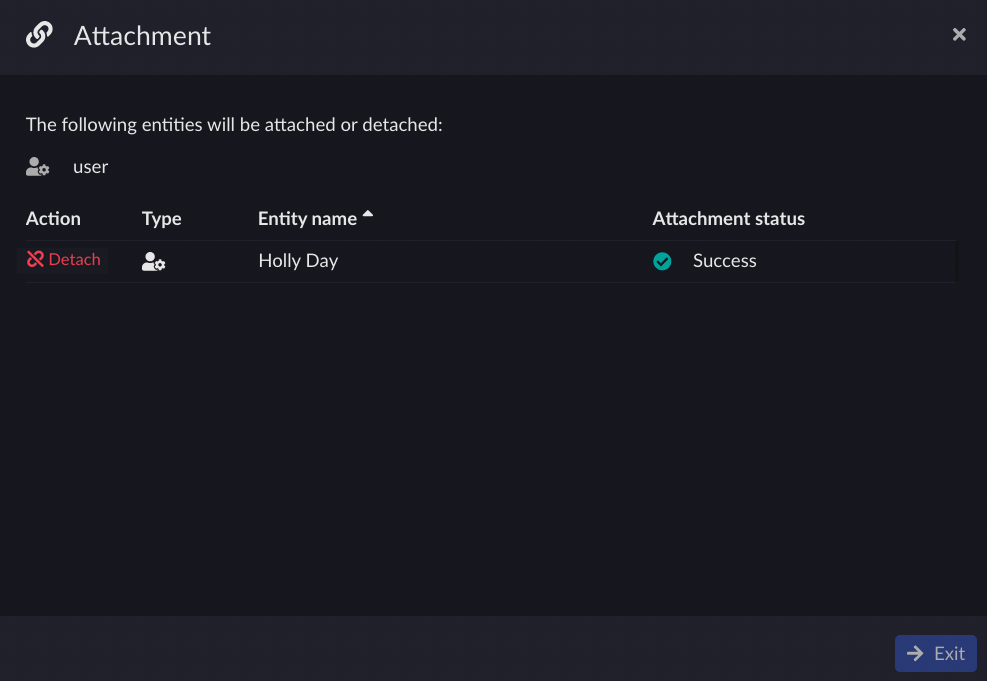
Click Exit once the attachment status is set to Success.
Important
The user is not deleted, but only removed from the group. To delete a user refer to Delete a Local User.


