

Configure a User Temporary Password
This procedure allows you to set a temporary password for a local user.
On the Users page, select the user you want to configure a temporary password for from the list.

From the Password tab:
Type a new password in the Password field and the Password confirmation field.
Or click Suggest new password to fill both fields with a random password string of 6 characters.
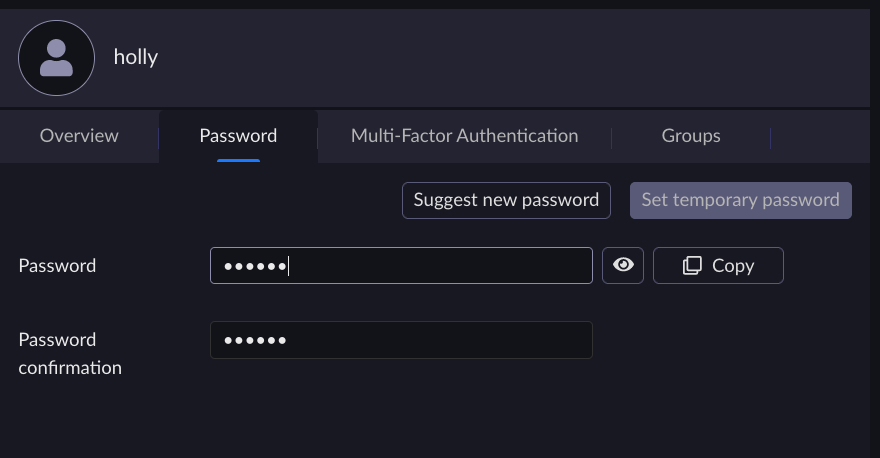
Click Set temporary password.
Note
As the password is temporary, users must change it upon their next login.


