Add a Local User to a Group
This procedure allows you to add a local user to a group from ARTESCA UI.
On the Users page, select the user you want to add from the list.

Tip
You can use the search bar. It is of type “TextStartWith” and not “TextContains”.
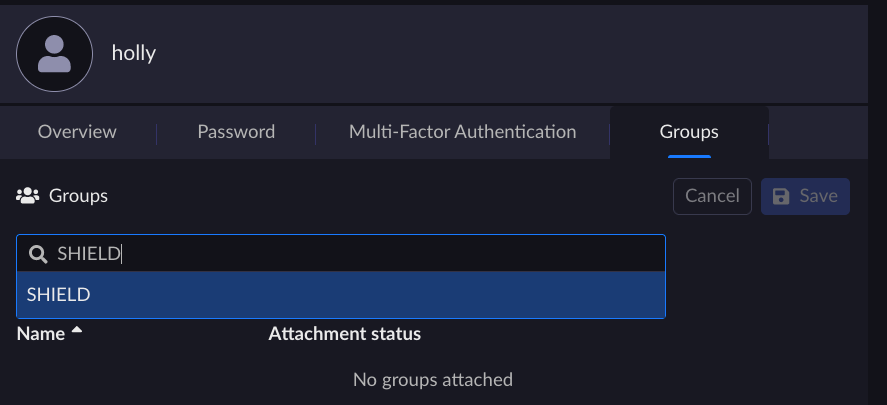
From the Groups tab, search for the group you want to add the user to and select it.
Note
The groups this user is associated to (if any) are displayed.
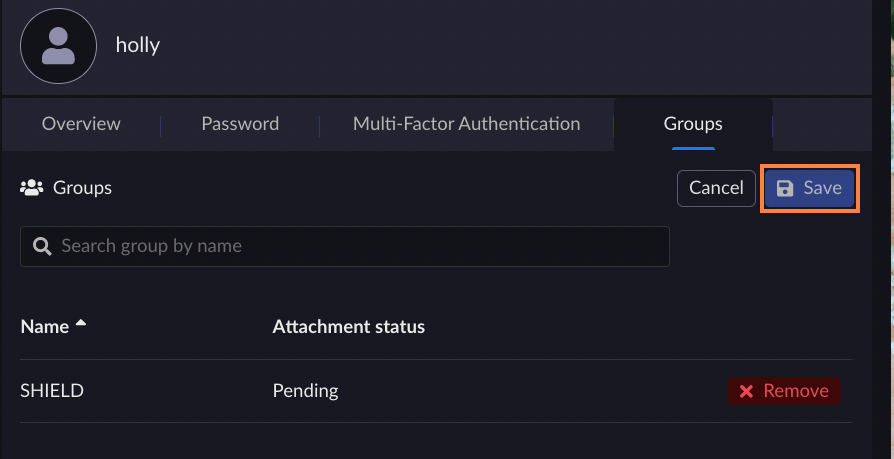
The Attachment status is set as Pending. Click Save to pursue the attachment process.
Note
You can select more than one group for this user.
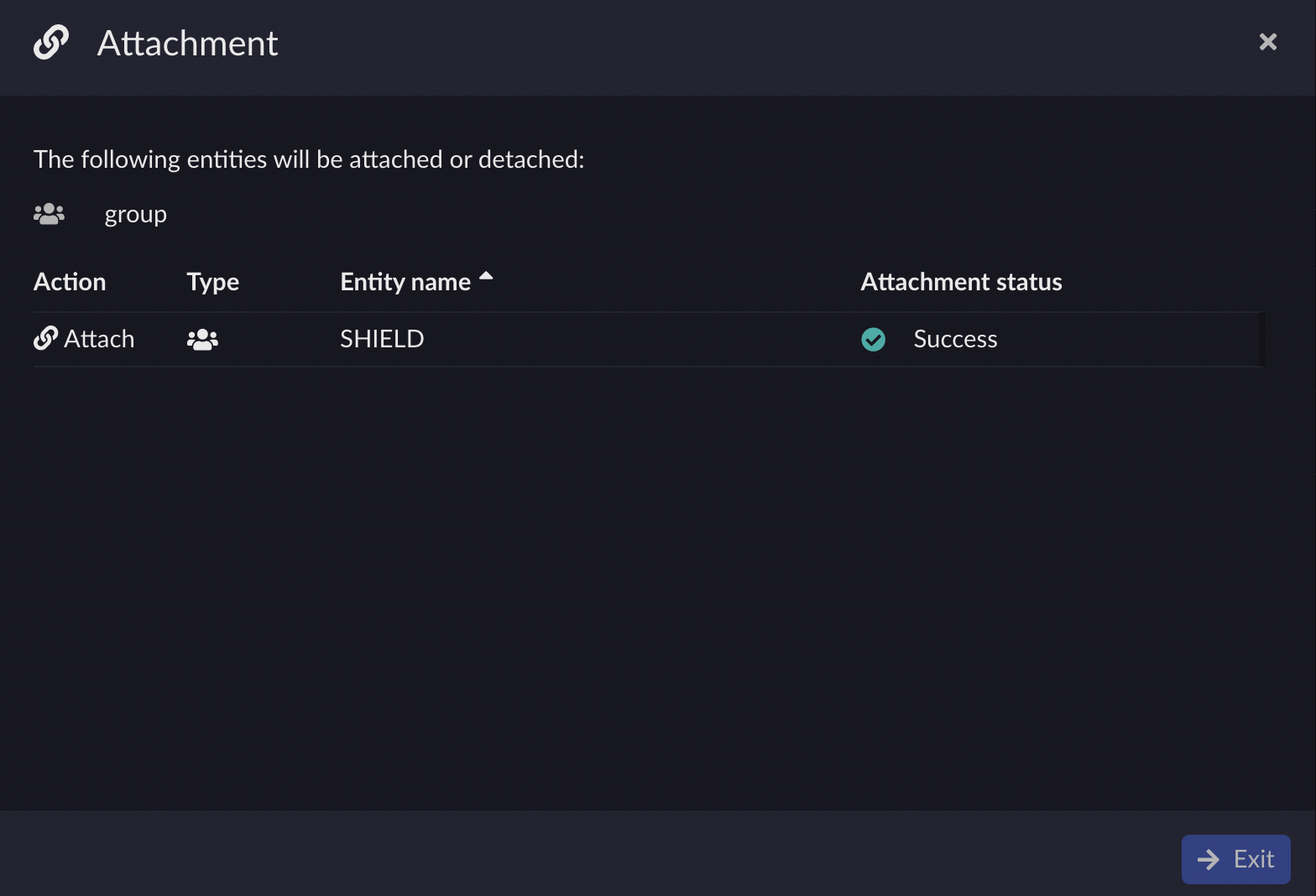
Click Confirm on the Attachment dialog box.
Click Exit once the attachment status is set to Success.