

Delete Local Groups
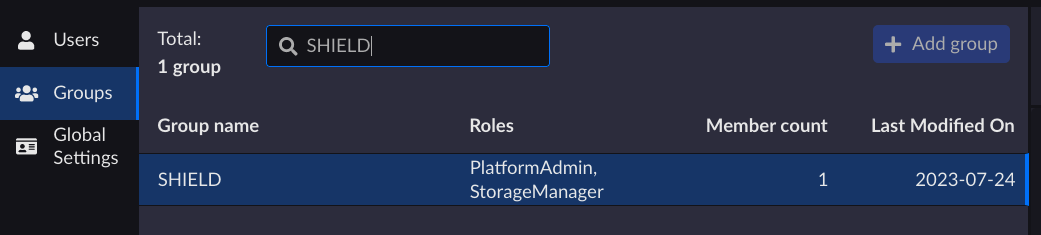
On the Groups page, select the group you want to delete from the list.
Tip
You can use the search bar. It is of type “TextStartWith” and not “TextContains”.
From the Overview tab, click Delete.

On the Delete group dialog box, click Delete to confirm the deletion.


