

Delete Objects
Prerequisites
An account with at least one bucket (created with or without versioning enabled), and containing at least one object.
Delete Non-Versioned Objects from a Bucket
From the main menu, choose Data Management. Click Data Browser from the side menu and select an account from the top drop-down list in the breadcrumb.

Click the bucket’s name to view its objects.
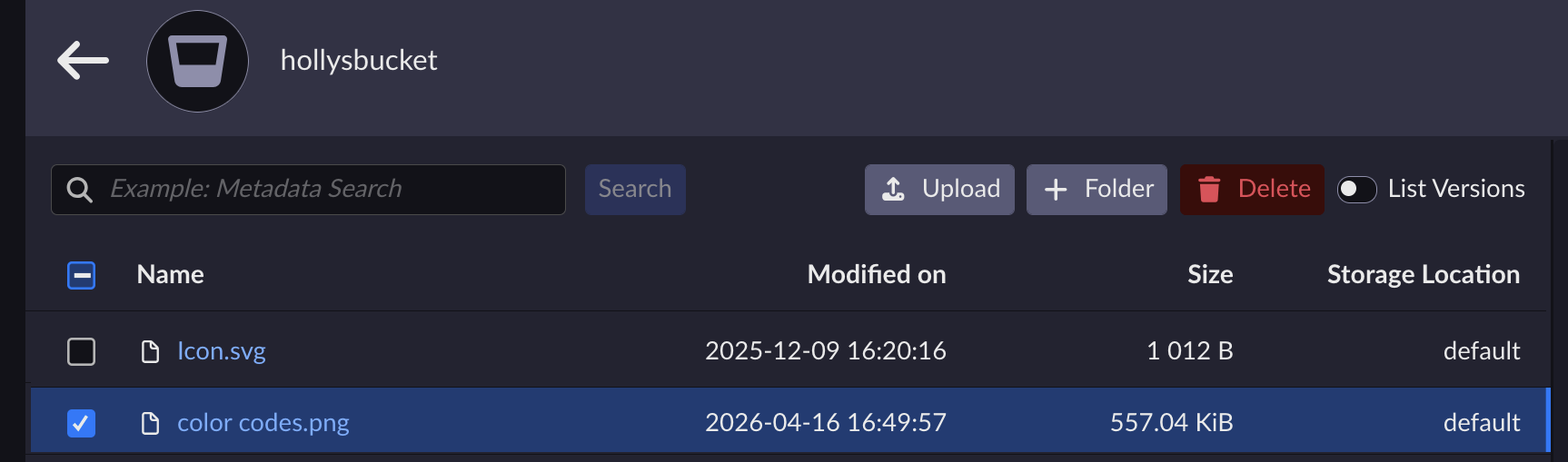
Select the object(s) you want to delete.
Tip
To select all the bucket’s objects, check the box next to Name above the object list.
Click Delete.
Confirm the deletion.
Delete Versioned Objects from a Bucket
Note
To Delete a Bucket, it must be completely empty. In versioned buckets, you must ensure to delete all versions of the objects.
From the main menu, choose Data Management. Click Data Browser from the side menu and select an account from the top drop-down list in the breadcrumb.
Click the bucket’s name to view its objects.
In the bucket view, slide the List Versions toggle.
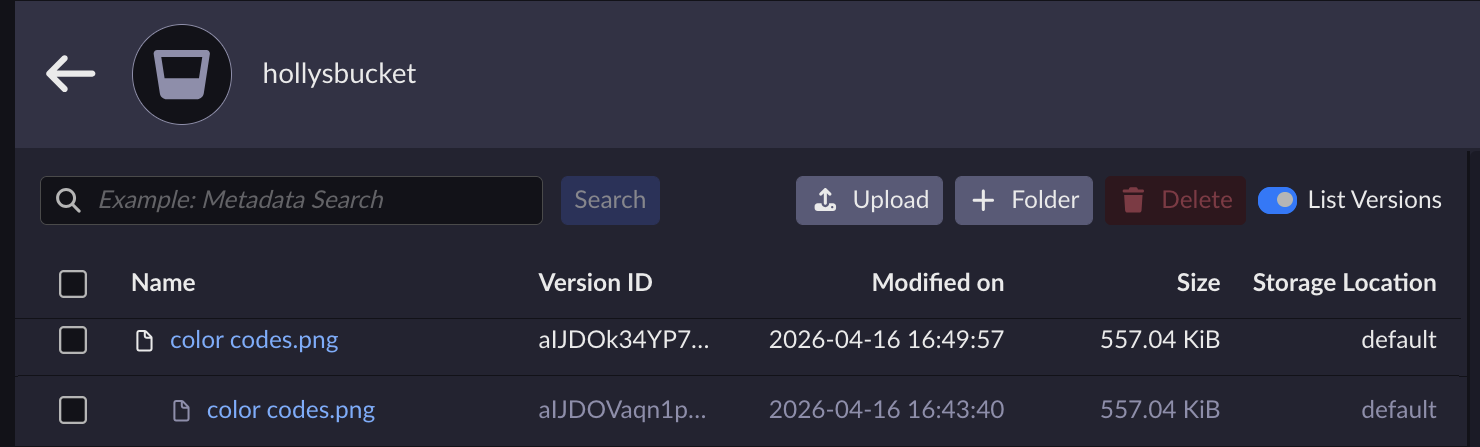
Objects that existed before the current version show multiple versions. Versioned objects that were deleted using the Delete Objects procedure show that only the most recent version of the object has been deleted.
Tip
If you have deleted an object in error, you can still retrieve a previous version from this view.
Select all versions of the object(s) you want to delete.
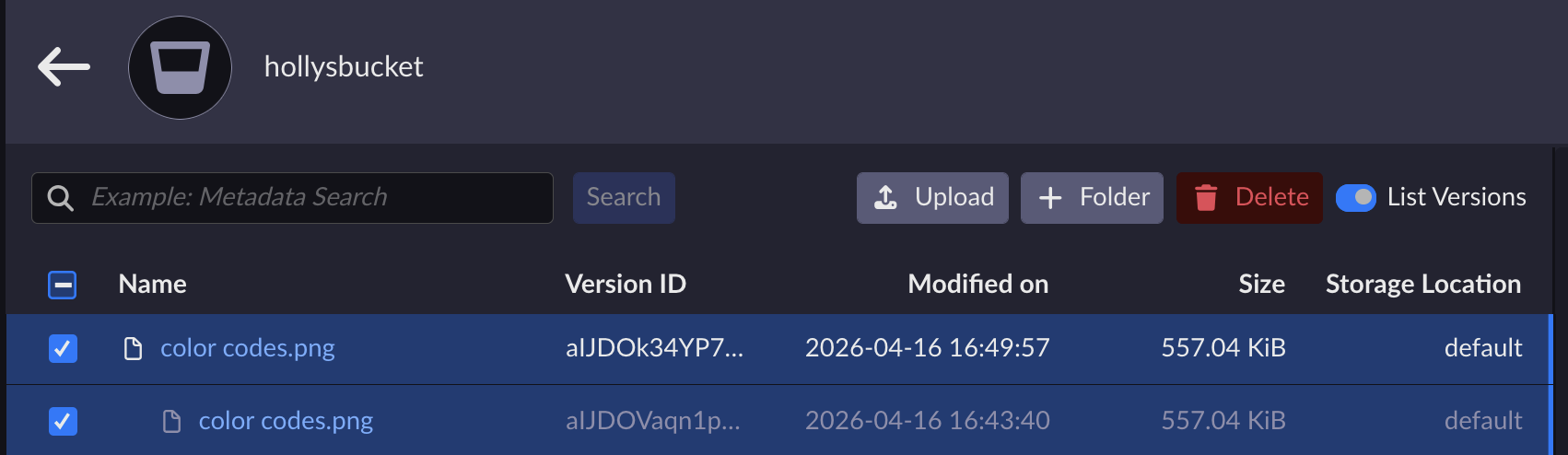
Click Delete.
Confirm the deletion.


