

Download Objects
From the main menu, choose Data Management. Click Data Browser from the side menu and select an account from the top drop-down list in the breadcrumb.

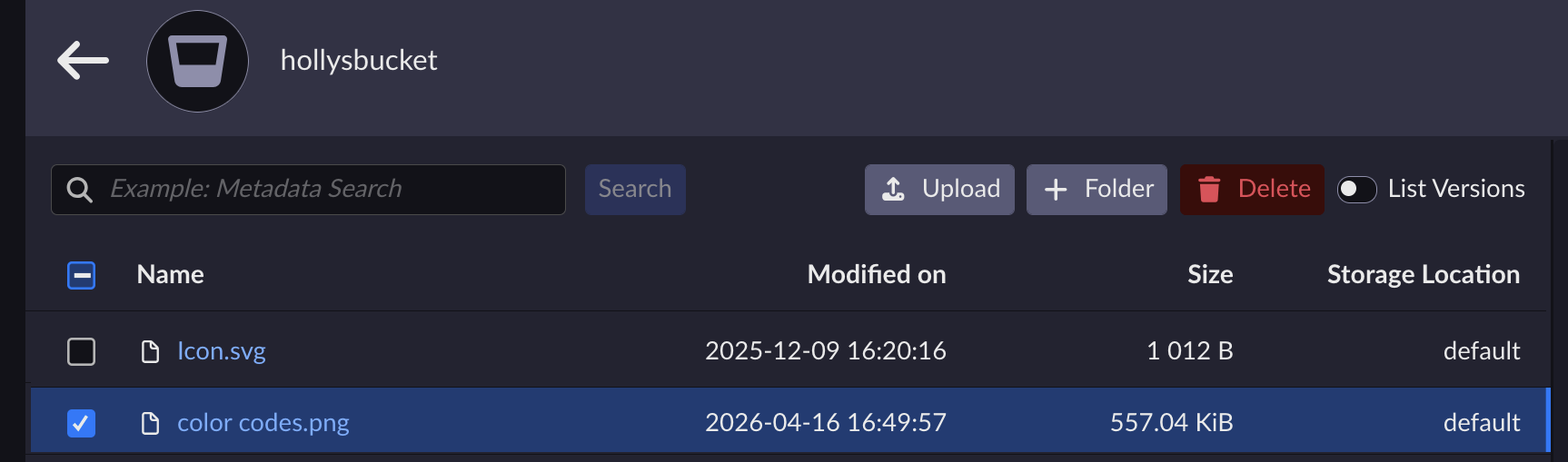
Click the bucket’s name to view its objects.
Click the name of the object you want to download.
Follow your browser instructions to download the object to your local machine.


