

Upload Objects to Buckets
Prerequisites
A storage account is associated with a user.
At least one bucket has been created.
Procedure
From the main menu, choose Data Management. Click Data Browser from the side menu and select an account from the top drop-down list in the breadcrumb.

Click the name of the bucket you want to upload objects to.
The bucket’s contents (if any) are displayed.

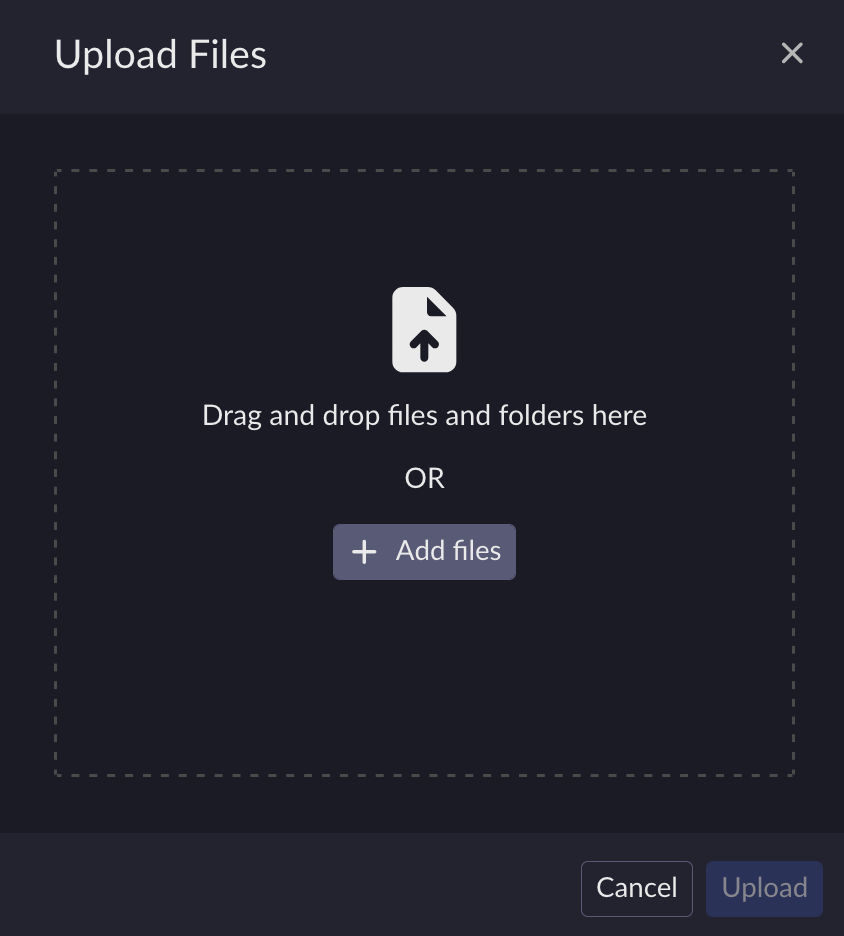
Click the Upload button.
You can upload objects either by dragging and dropping from your desktop (for example Windows Explorer, OS X, Linux desktop), or by clicking Add more files and selecting objects for upload using your local operating system’s object manager.
Note
Browsers may limit the ability to upload directories. Uploading a directory may require that you recursively zip the directory and upload it as a single object, or access ARTESCA Data Services through a cloud storage browser such as Cyberduck.
Object key name lengths are limited to 915 single-byte characters (109 fewer than the 1024 one-byte characters permitted in the AWS specification).
For multiple objects, continue dragging and dropping or click Add more files.
When you finish uploading the objects, click Upload to save your changes. The selected objects are uploaded to the bucket and reflected in the bucket’s contents.


