

View Object Information
An object consists of a file and its attendant metadata. Some of this metadata, such as date stamps, cannot be edited. Other types of metadata can be edited and can be customized. This section describes viewing object information (immutable metadata), and viewing and editing metadata and tags.
From the main menu, choose Data Management. Click Data Browser from the side menu and select an account from the top drop-down list in the breadcrumb.

Click the bucket’s name to view its objects.
The bucket’s contents are displayed.

Select the object you want to view by clicking on its row.
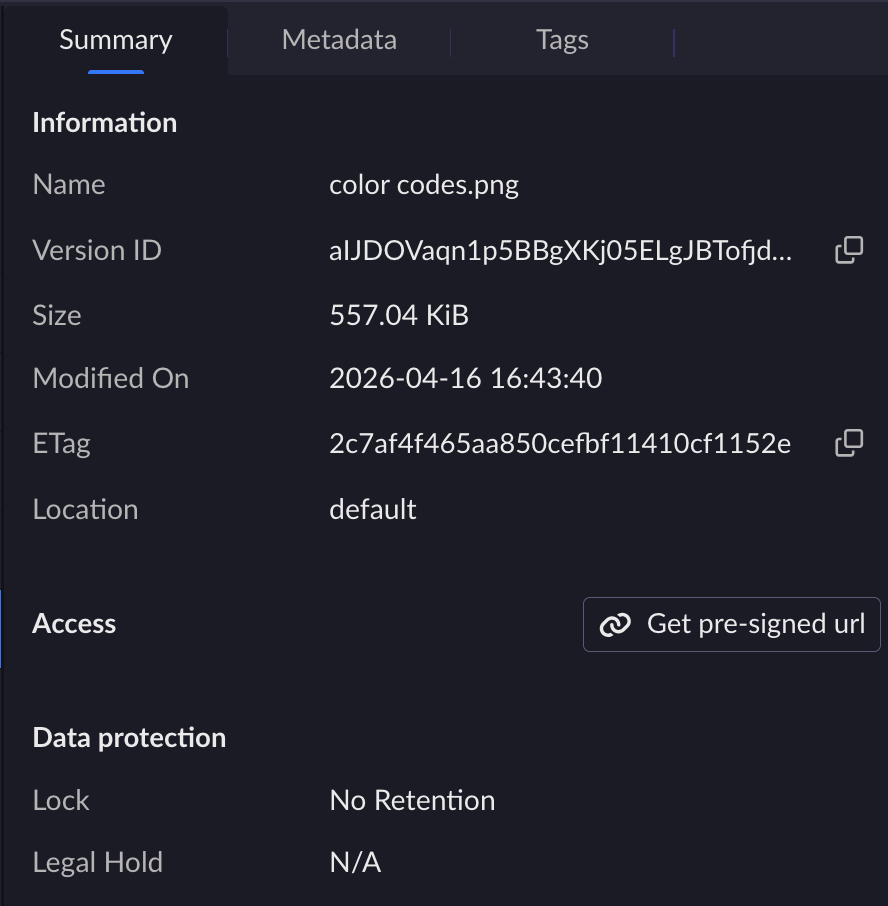
The object information panel opens on the right with the Summary tab.
This tab contains the following sections:
Information: Displays the object’s key properties (name, version ID, size, last modified date, ETag, and location).
Access: Allows you to Generate a Pre-Signed URL.
Data protection: Allows you View and Edit Object Level Data Protection Settings.
To review or edit the object’s metadata, click the Metadata tab.
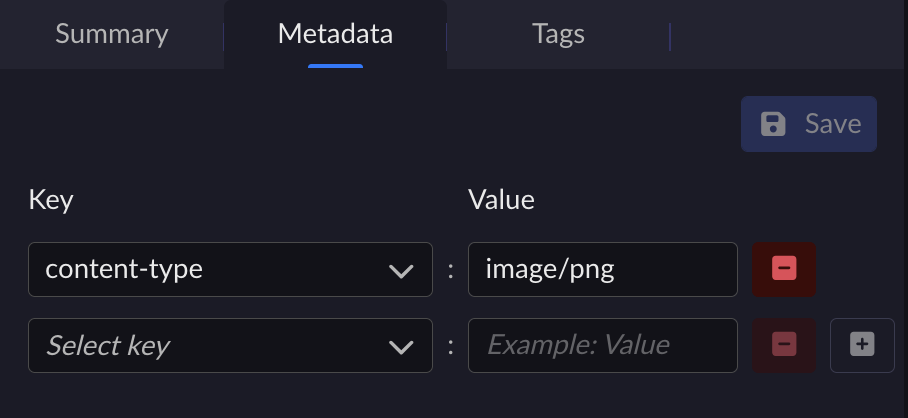
Available keys include:
content-type
cache-control
content-disposition
content-encoding
website-redirect-location
x-amz-meta (a wrapper for Amazon S3-specific metadata)
Apply your changes and click Save.
To review or edit the object’s custom tags, click the Tags tab.
These are S3-supported tags. Because other backends may not support the S3 tagging structure, operations that use these tags must be performed using ARTESCA Data Services.
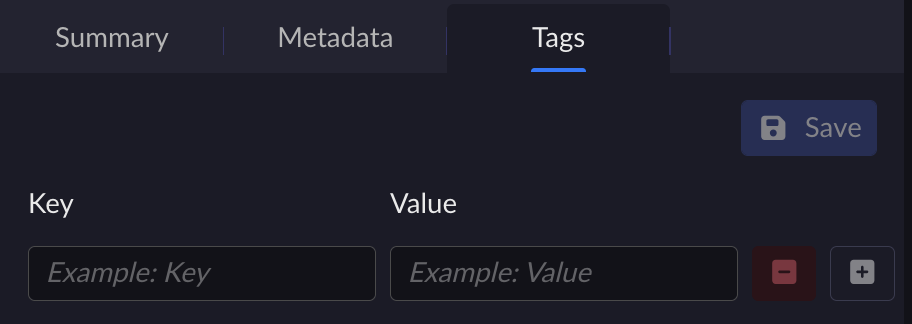
Apply your changes and click Save.


