

Delete IAM Users
Click Data Management on the top menu and select Accounts on the left.
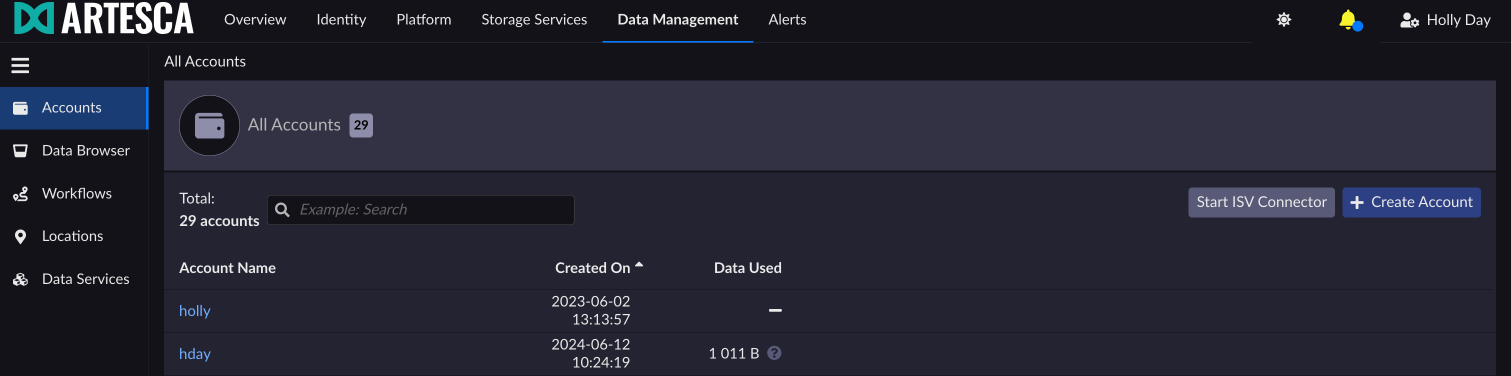
Select the account for which you want to delete an IAM User.
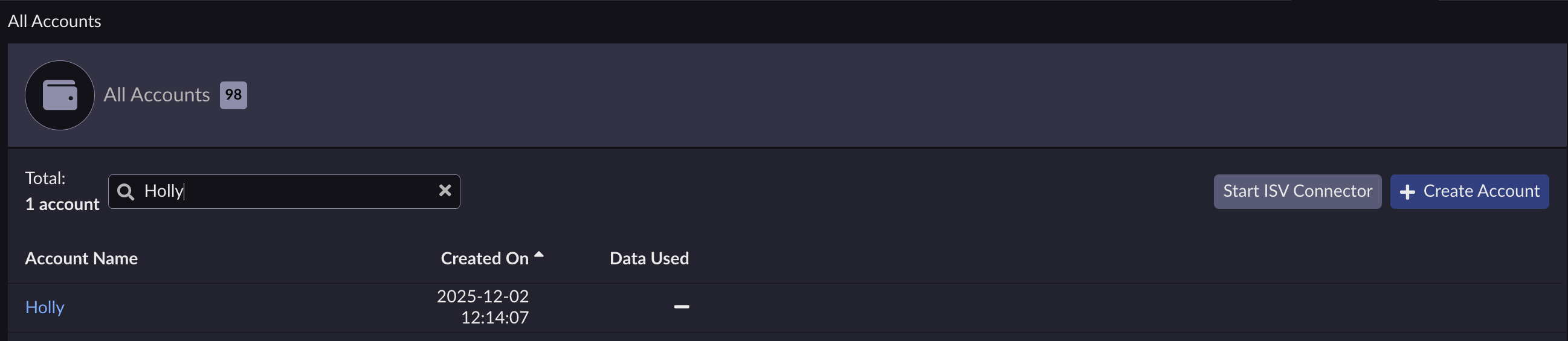
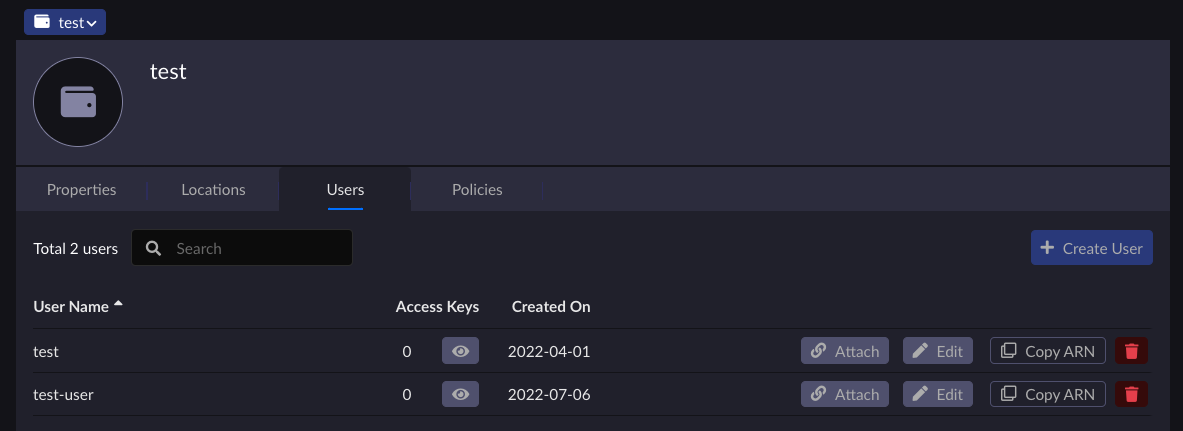
Under the Users tab, click the trash icon corresponding to the IAM User you want to delete.
Important
You cannot delete IAM Users if Access Keys are assigned to them. Delete their Access Keys before continuing.
A dialog box appears asking for confirmation.
Click Delete to confirm the IAM User deletion.
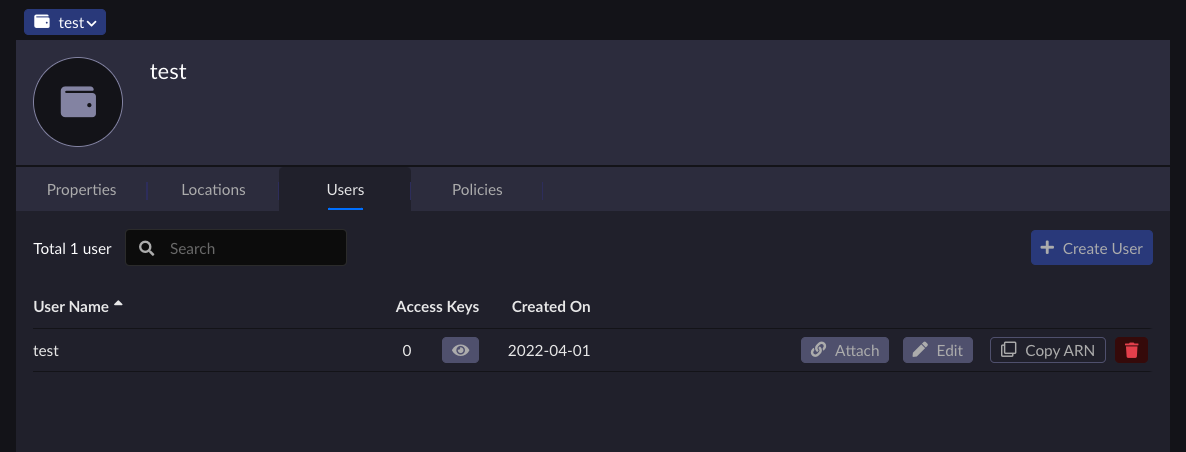
The IAM User no longer appears on the users list.
Run the command:
aws --endpoint-url https://iam.<base-domain-name> \
iam delete-user --user-name devops


