

Create IAM User Access Keys
Click Data Management on the top menu and select Accounts on the left.
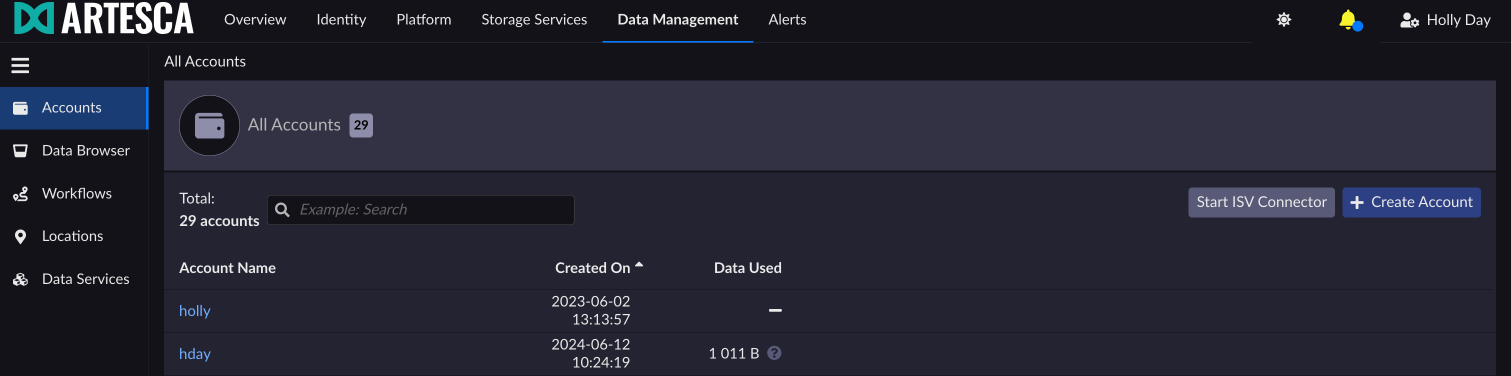
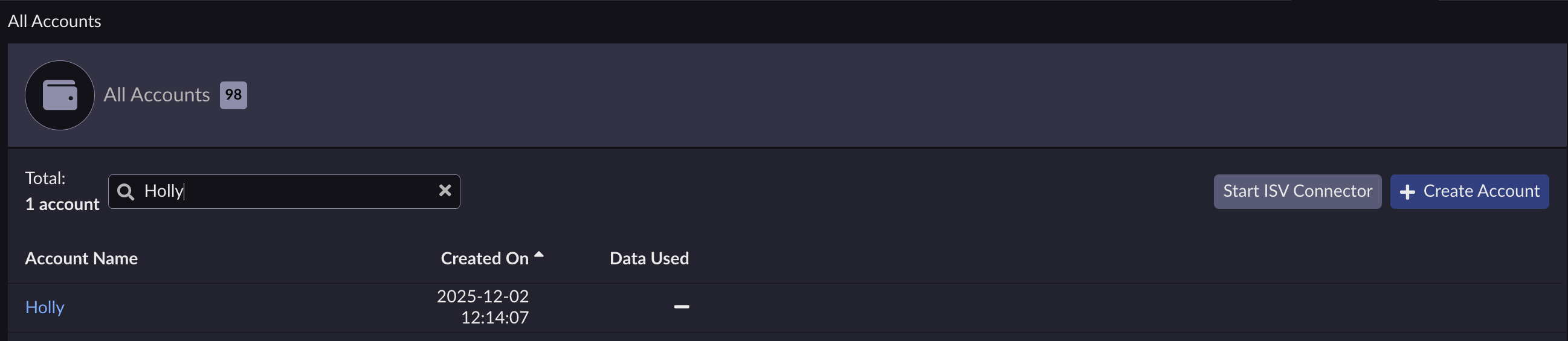
Select the account managing the IAM user for whom you want to create access keys.
Under the Users tab, click the eye icon next to the user name.
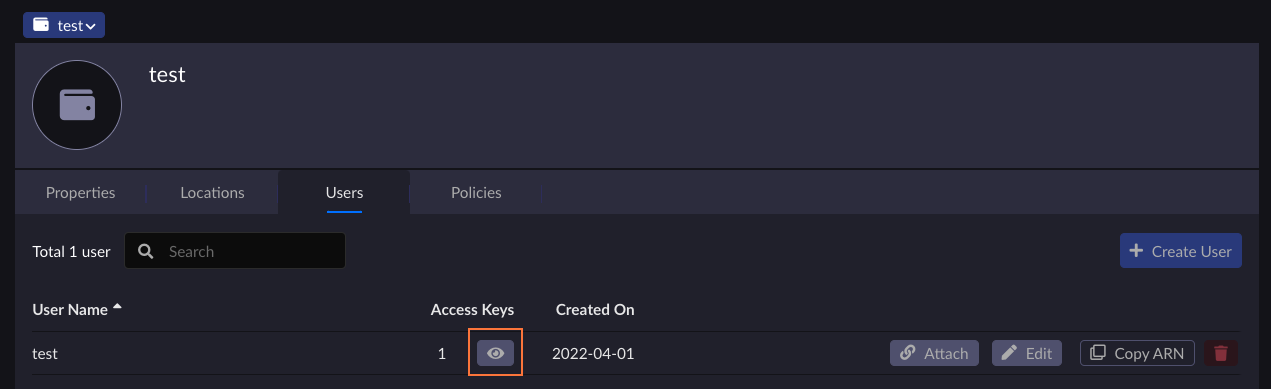
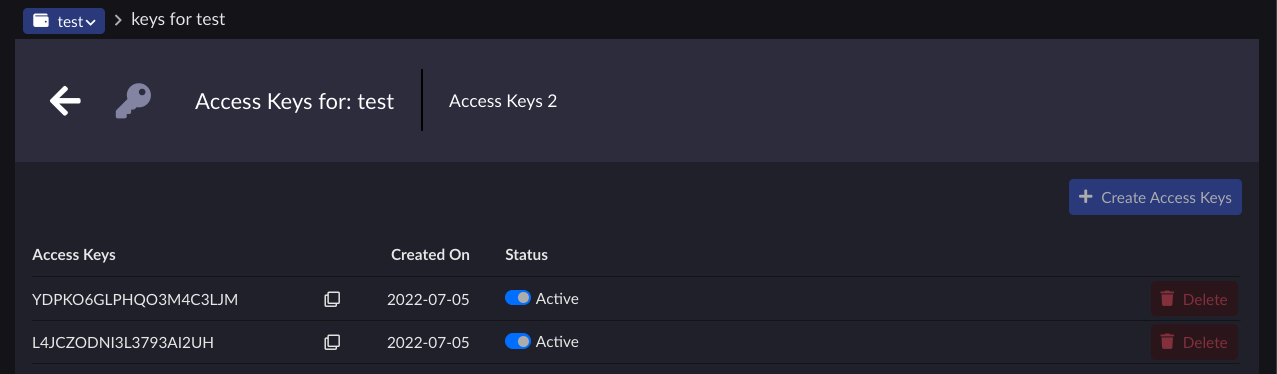
Click + Create Access Keys.

Click Continue on the dialog box.

The access key details display. Save the access key and secret key as they will be used later on to configure the CRR location.
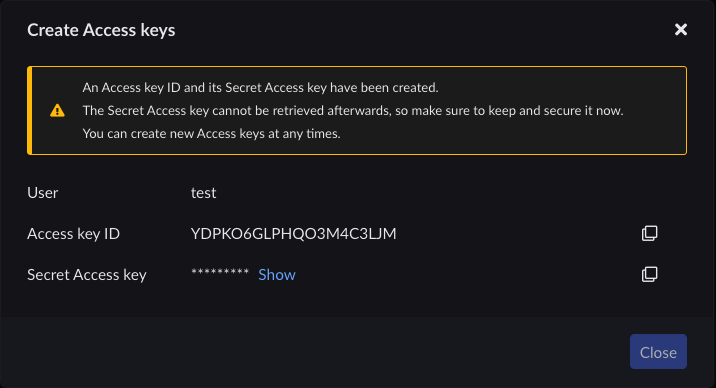
Important
If the secret access key is lost, it cannot be recovered and you will have to create a new access key for the user.
Click Close. The new access key is displayed in the list and is enabled by default.
You can use the CreateAccessKey API to create Access Keys and Secret Keys for
your IAM users. Unlike accounts, you must specify a user name here. There is
no limit on the number of keys per IAM User.
To create Access Keys for an IAM user using AWS CLI, follow the create-access-key procedure.


