

Edit Configuration
To edit the LDAP configuration on ARTESCA, follow these steps:
Log in to the ARTESCA UI with a Platform Admin role.
Click Identity on the top menu and go to Identity providers on the sidebar menu.
Select your LDAP-based IdP from the list.
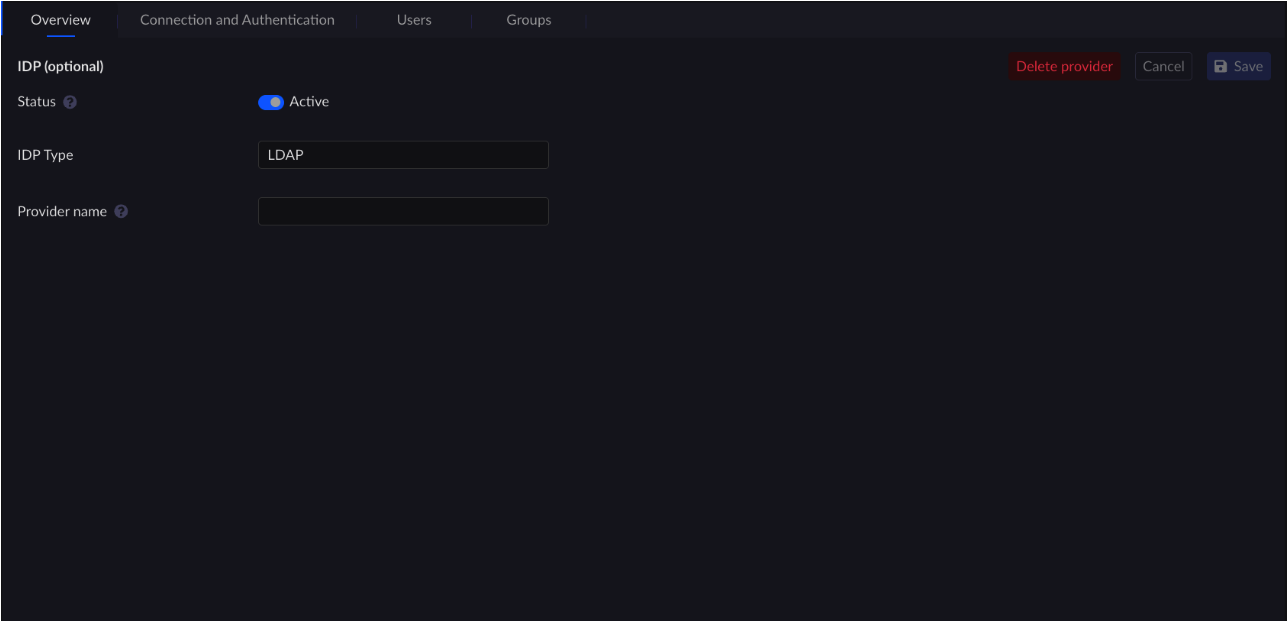
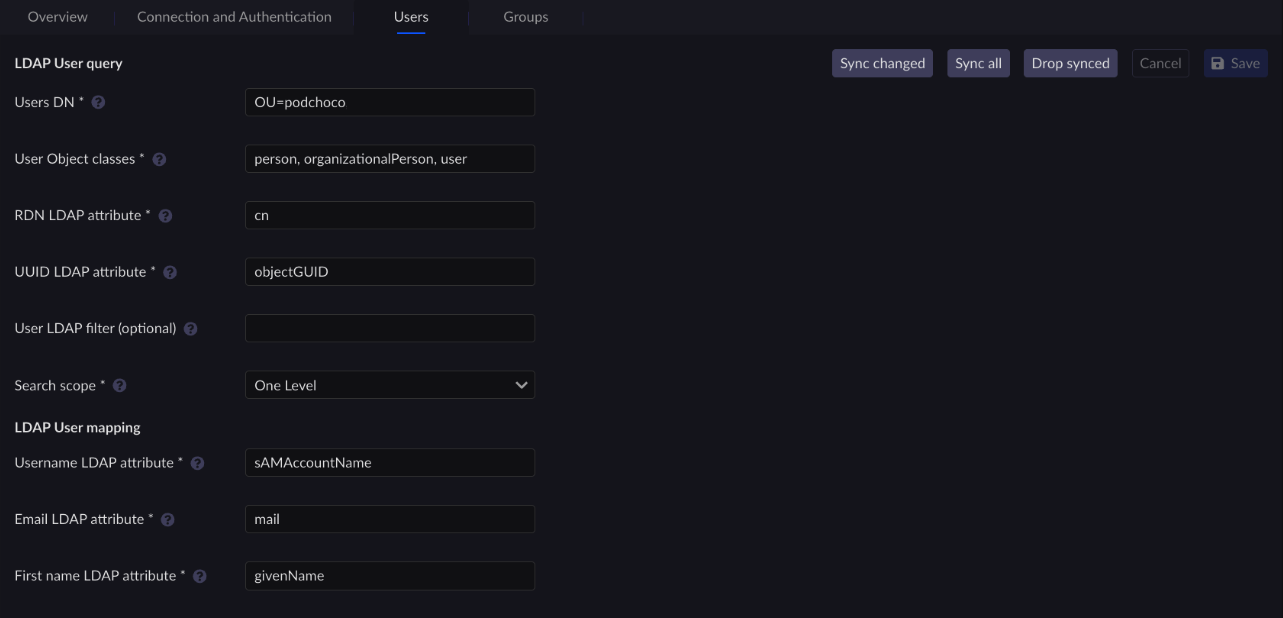
Edit the configuration as needed using the Overview, Connection and Authentication, Users, and Groups tabs.
Note
Refer to Configuring AD/LDAP First Authentication for more information on these fields.
Overview
Connection and Authentication

Users
Groups

Click Save to apply the changes.
Note
Confirming a change of configuration will not trigger a sync action on the current synced Users and Groups. You might have to act on the database by choosing a Force synchronization action, depending on your context.


