

Deactivate LDAP on ARTESCA
To deactivate the integration of LDAP on ARTESCA, follow these steps:
Log in to the ARTESCA UI with a Platform Admin role.
Click Identity on the top menu.
Go to Identity providers on the sidebar menu.
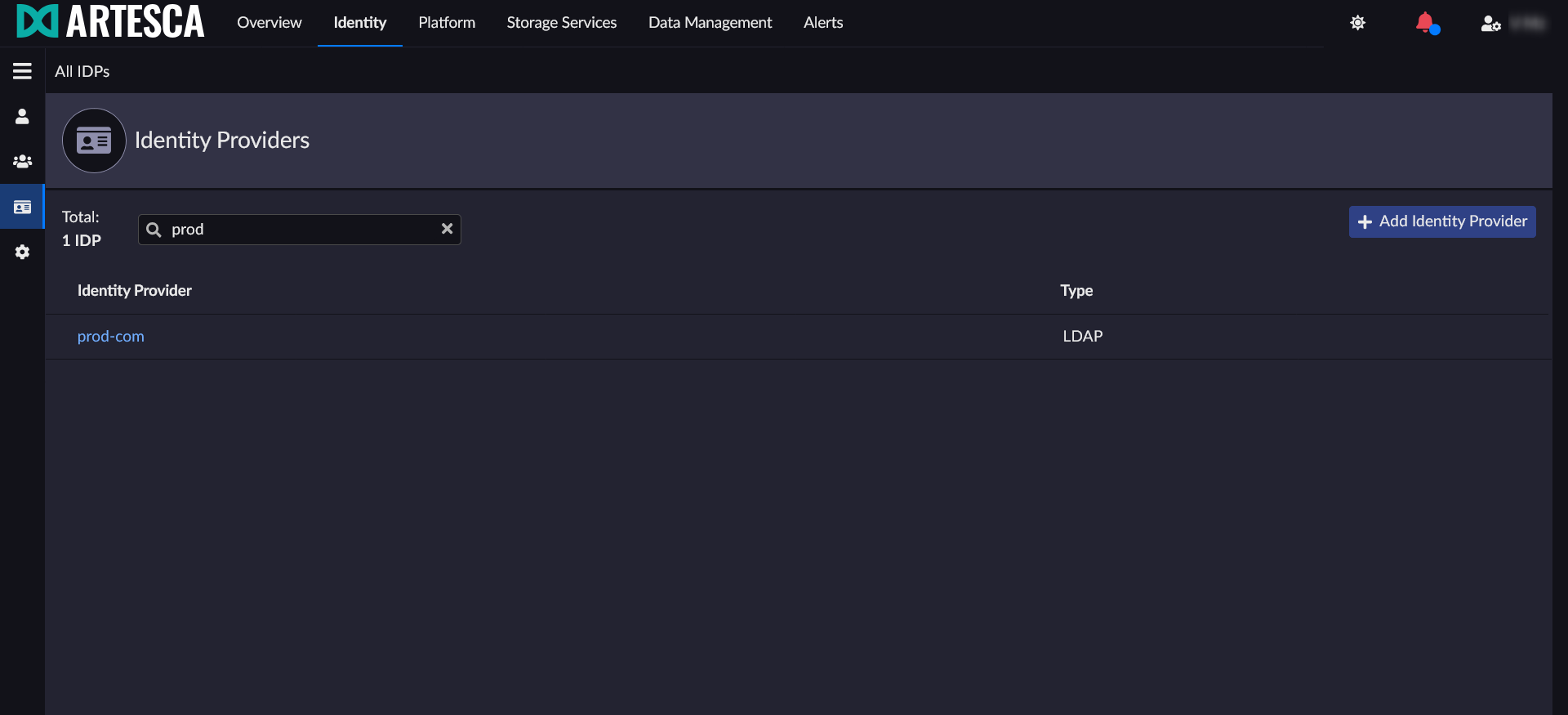
Select the Identity provider you want to deactivate by clicking on its name.
Set the IdP status to Inactive.
Click Save.
Important
Deactivating an IdP will deactivate all Remote Users from this specific external directory in the Identity Management List.


