

Install Veeam Backup & Replication
Connect to the Windows Virtual Machine
Using a Remote Desktop Client, connect to the Windows Virtual Machine created in the previous step. Use the credentials displayed after the Virtual Machine creation command.
Download the Veeam ISO
If the Virtual Machine is connected to the Internet, download the Veeam Backup & Replication ISO from the Windows Web Browser.
If the Virtual Machine is not connected to the Internet, use a Remote Desktop Client to upload the Veeam ISO on the Windows Virtual Machine.
Deploy Veeam Backup & Replication
Follow the Veeam official documentation to complete the installation.
Note the following specifics:
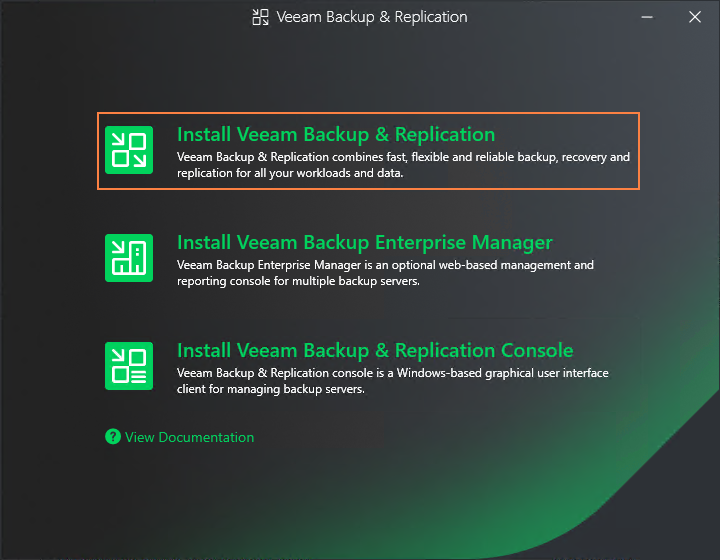
On step 2, select Install Veeam Backup & Replication.
On step 9, the data location paths are set by default as follows:
Installation path:
C:\Guest file system catalog:
D:\Instant recovery write cache:
D:\
Next Step
Continue with ARTESCA+ Veeam Post-Installation Guidelines.


